Emerging SEO Collection

DESIGN.md Examples

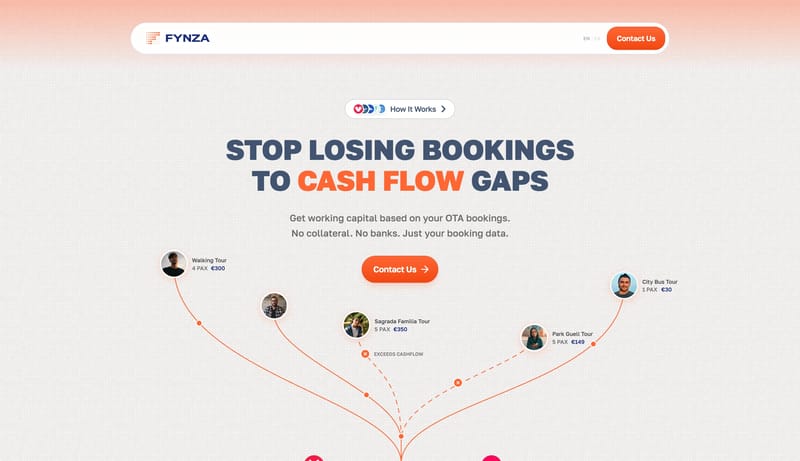
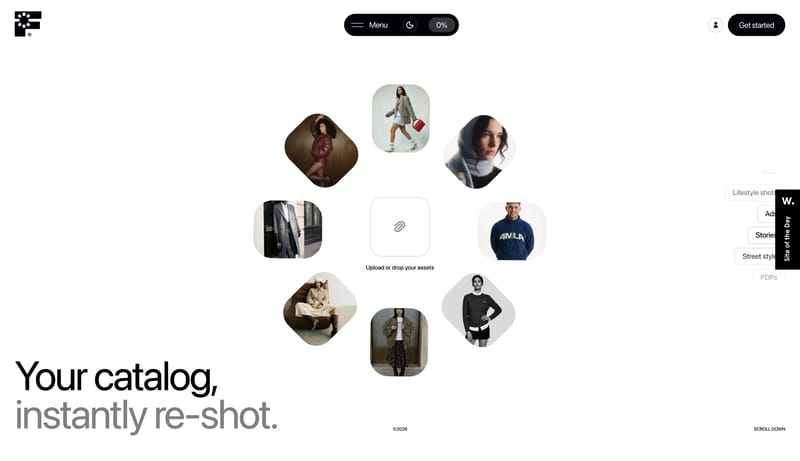
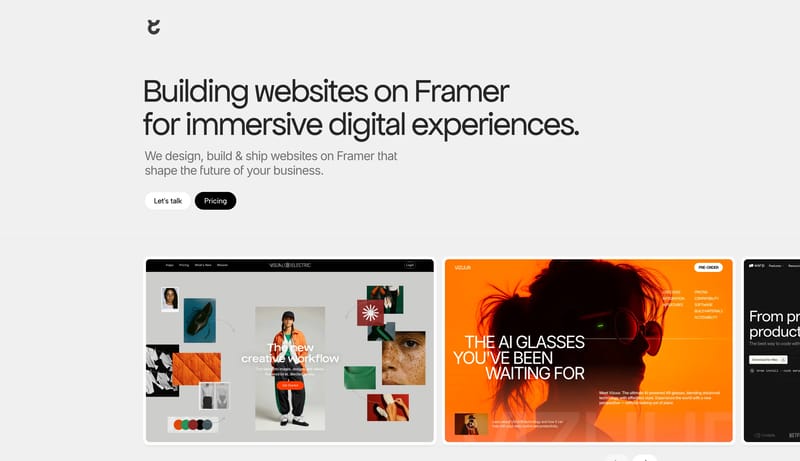
Browse real website references with visible design analysis or structured design values. This collection is built for teams studying how AI-readable design systems describe palette, typography, layout, motion, and reusable component decisions.

178 tracked examplesShowing latest 2424 example scan size

What You Can Study

Compare how different teams encode brand tone, color systems, typography stacks, spacing logic, and component behavior in a format AI tools can reuse.

What To Compare

Look at system naming, token specificity, layout principles, interaction language, and whether the design description is clear enough to guide consistent implementation.

Why This Matters

DESIGN.md is becoming a practical way to turn visual direction into durable working context for AI coding agents instead of one-off UI prompts.

Browse By System Focus

Use these facet pages to narrow DESIGN.md examples by the part of the system you actually want to study.

Design Analysis

Common signals across DESIGN.md-ready examples

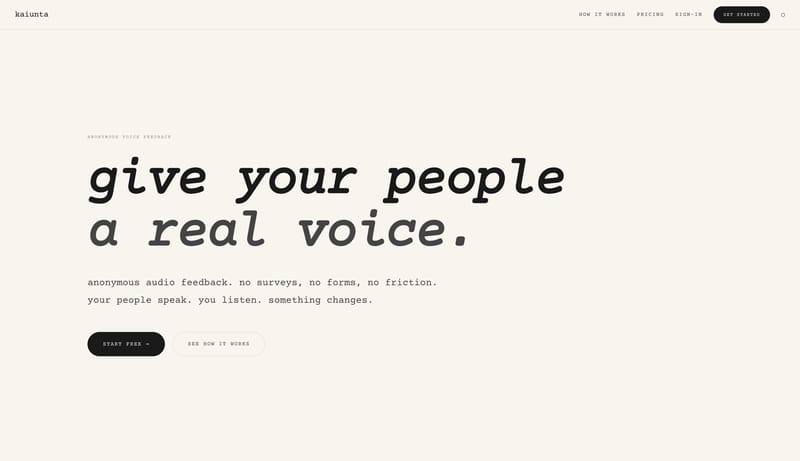
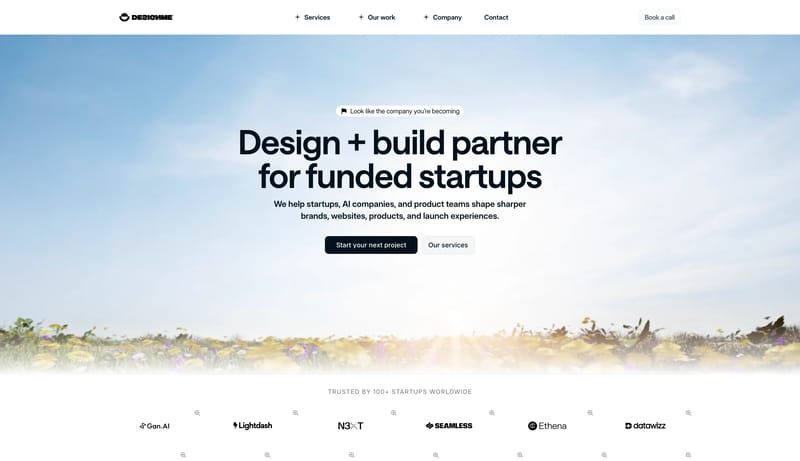
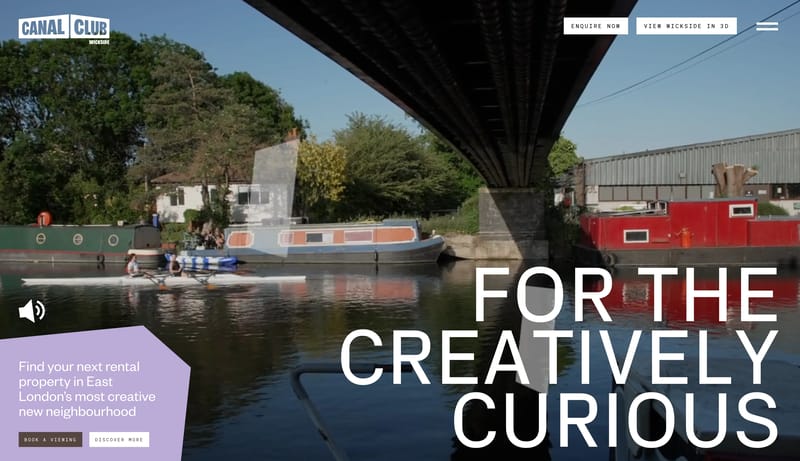
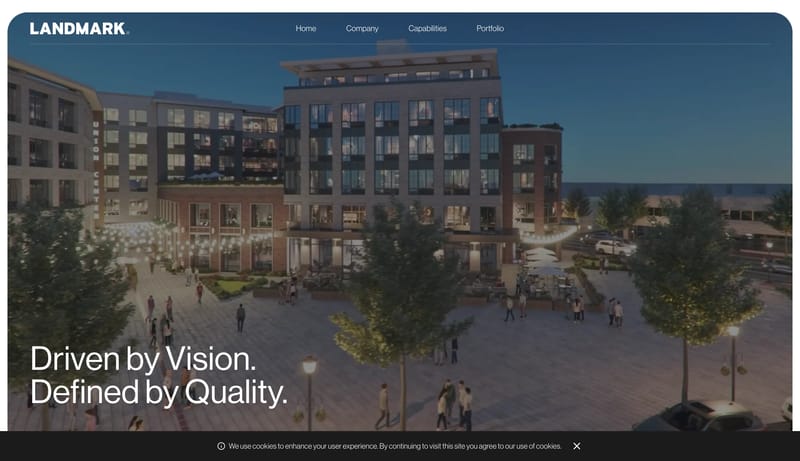
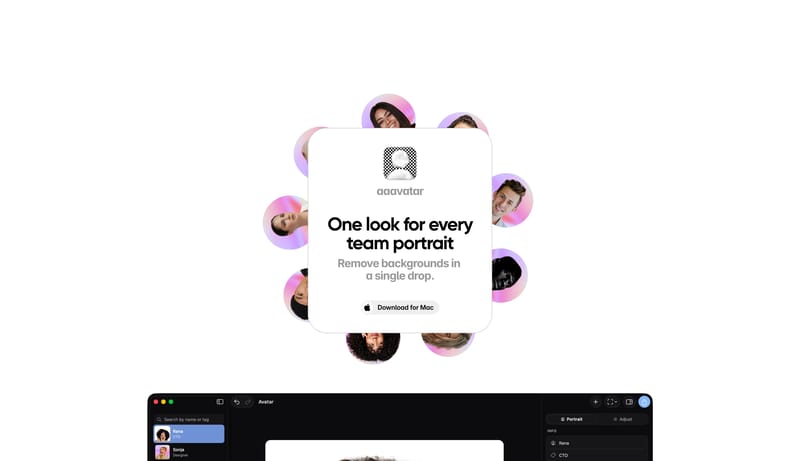
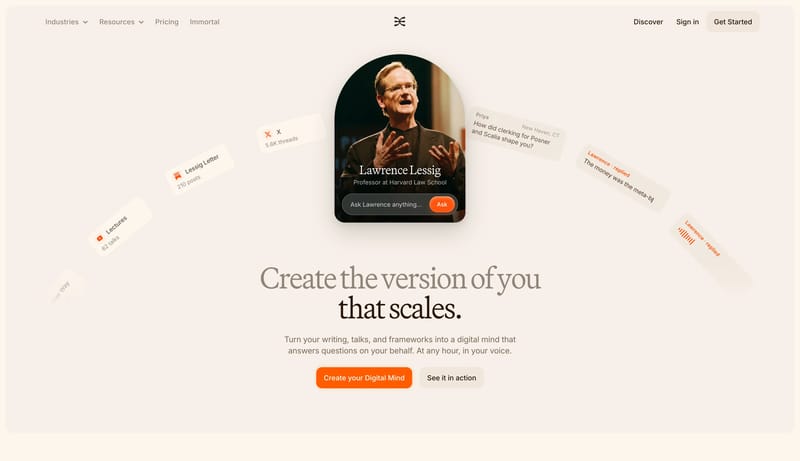
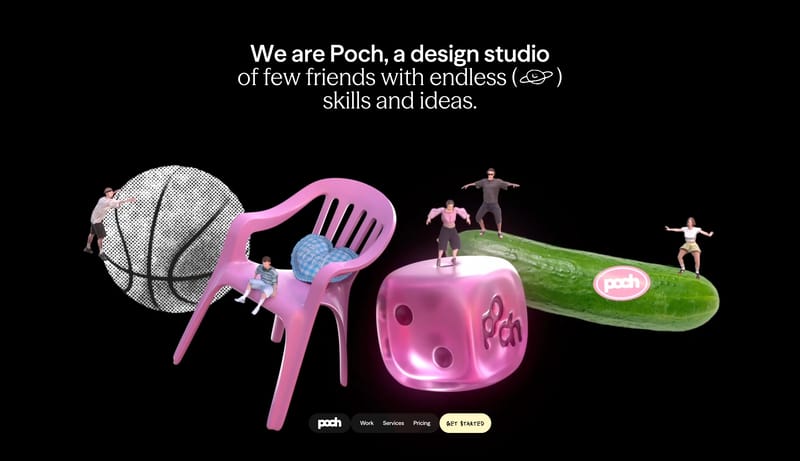
Build a selective studio shell where type, spacing, and media carry most of the brand weight. Keep interfaces visually quiet so case-study imagery or hero moments stay primary. Let one accent or one tonal inversion punct... Build a learning shell that feels en...
Reusable Design Signals

  • Build a selective studio shell where type, spacing, and media carry most of the brand weight.
  • Keep interfaces visually quiet so case-study imagery or hero moments stay primary.

  • Let one accent or one tonal inversion punctuate the flow instead of decorating every module.
  • Favor hero imagery or portfolio frames that feel art-directed rather than stock-driven.
  • Use bold crops, asymmetric composition, or isolated objects before adding ornamental UI chrome.
  • Base the shell on 000000 and keep F7F3EC as the primary reading color.

System Keywords

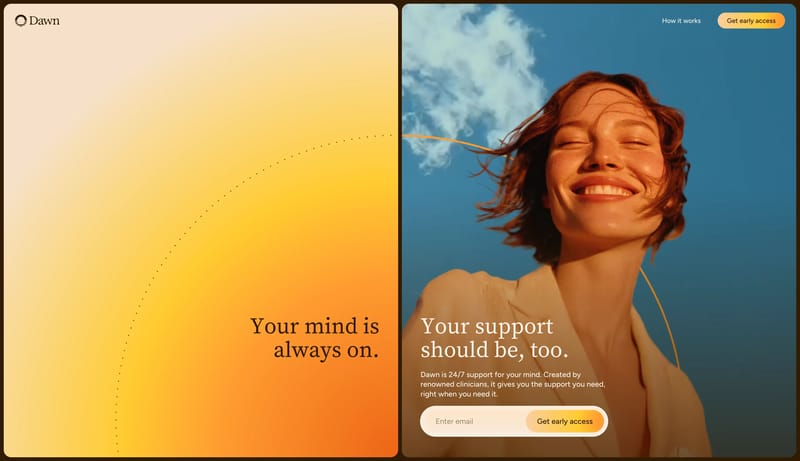
OverviewImage DirectionColorsTypographyEntry & Arrival MotionKeep the interaction model obvious and unclutteredKeep the scene feeling tactile and calmKeep proof and action modules simple and groundedUse sparse, controlled imagery or diagramsAvoid decorative clutter that fights the minimal postureKeep the interface emotionally safe and gently optimisticUse warm sky photography and approachable human portraits

Poch Studio

Home

2026-06-08

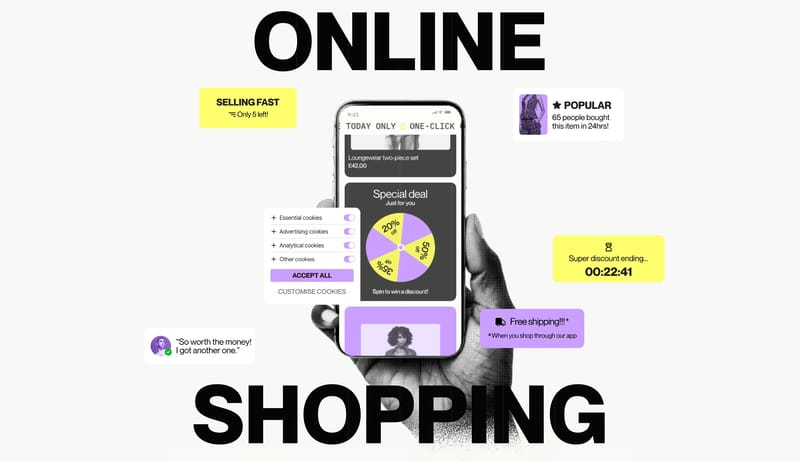
Build a selective studio shell where type, spacing, and media carry most of the brand weight. Keep interfaces visually quiet so case-study imagery or hero moments stay primary. Let one accent or one tonal inversion punct...
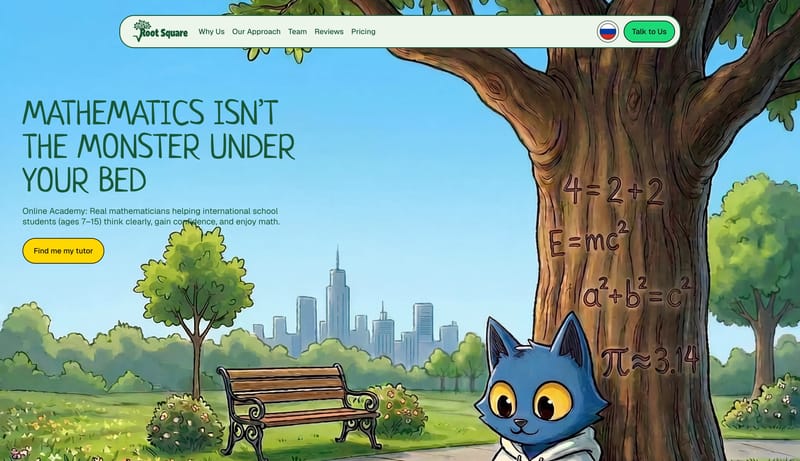
  • Build a selective studio shell where type, spacing, and media carry most of the brand weight.
  • Keep interfaces visually quiet so case-study imagery or hero moments stay primary.

Open example

Root Square

Home

2026-06-08

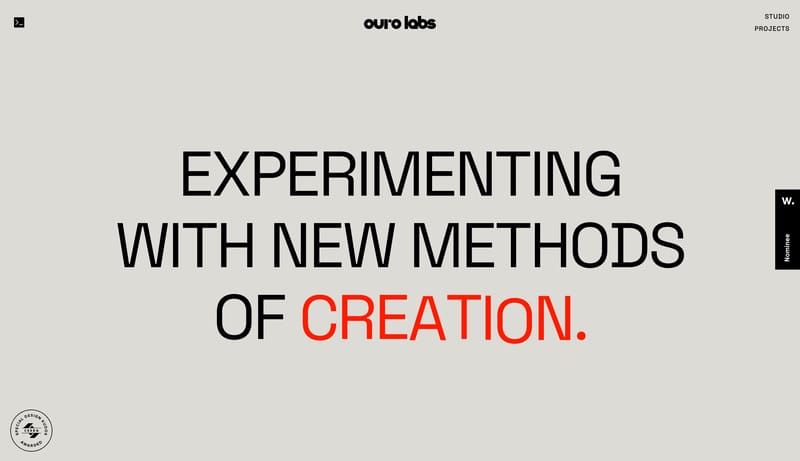
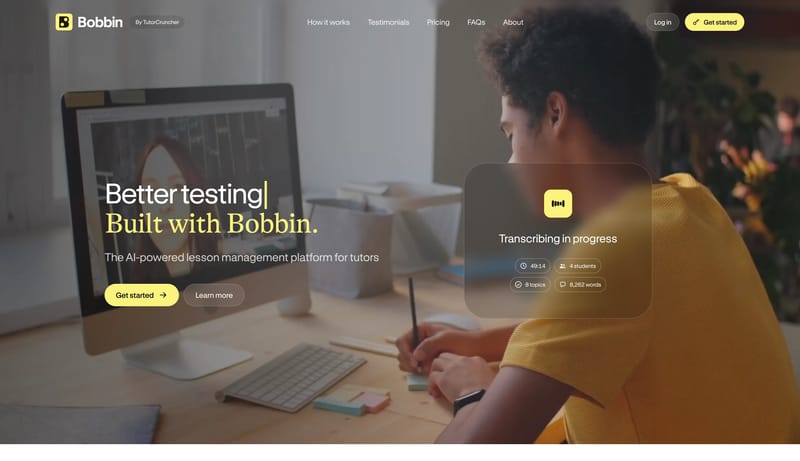
Build a learning shell that feels encouraging and characterful without becoming chaotic. Use playful type, illustration, and color as the trust engine before adding dense product UI. Keep actions obvious and high-contras...

  • Build a learning shell that feels encouraging and characterful without becoming chaotic.
  • Use playful type, illustration, and color as the trust engine before adding dense product UI.
Open example

Pixels Studio

Home

2026-06-08

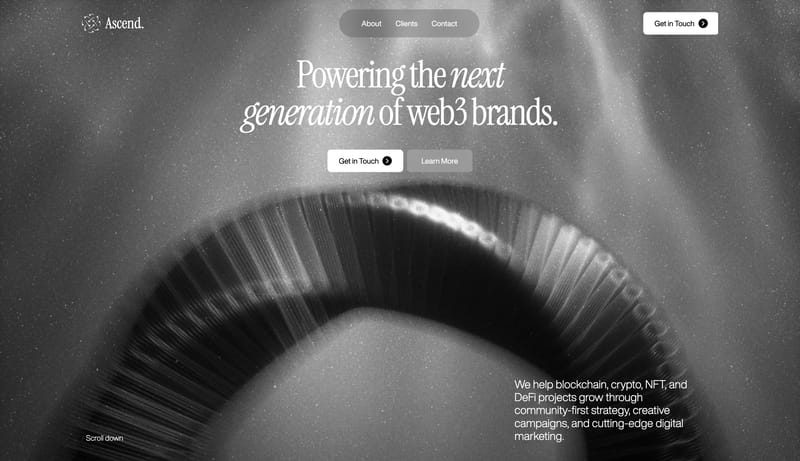
Build a selective studio shell where type, spacing, and media carry most of the brand weight. Keep interfaces visually quiet so case-study imagery or hero moments stay primary. Let one accent or one tonal inversion punct...
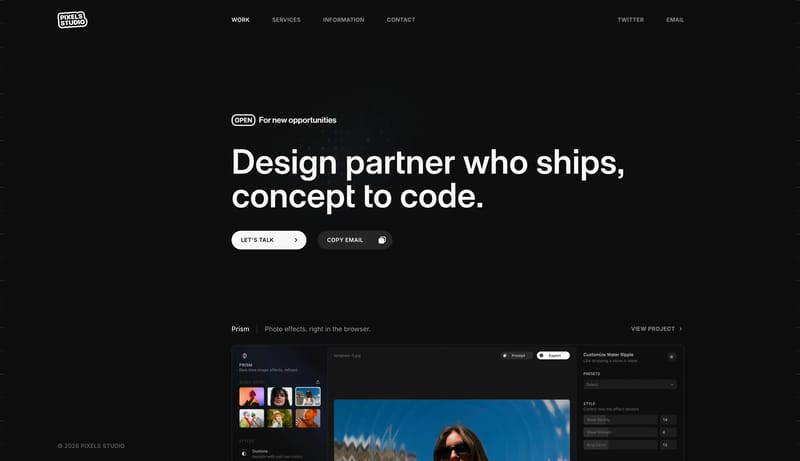
  • Build a selective studio shell where type, spacing, and media carry most of the brand weight.
  • Keep interfaces visually quiet so case-study imagery or hero moments stay primary.
Open example

Explore Adjacent AI Workflow Collections

These pages narrow DESIGN.md research into more specific intent clusters such as AI design systems, Figma AI workflows, and Claude Design-style prototyping.
Continue Exploring

These links connect structured design-system research with adjacent taxonomy hubs so readers can move between implementation guidance and broader inspiration browsing.

DESIGN.md FAQ

What is DESIGN.md?

DESIGN.md is an AI-readable design system document. It typically describes visual direction, tokens, component rules, layout principles, and constraints in plain text or structured data.

How should I use these examples?

Use them to compare how strong teams describe design intent, capture repeatable rules, and make visual systems easier to implement consistently across pages and components.

Are these examples tied to real websites?

Yes. Refto ties the design layer back to real website versions, which gives you stronger reference context than a standalone design file without production output.