OpenDesign

OpenDesign

An open-source collaborative design agent workspace for building prototypes, landing pages, dashboards, slides and HTML video.

4.0
2
Visits
Visit

Available Pages

Version History

Design Analysis

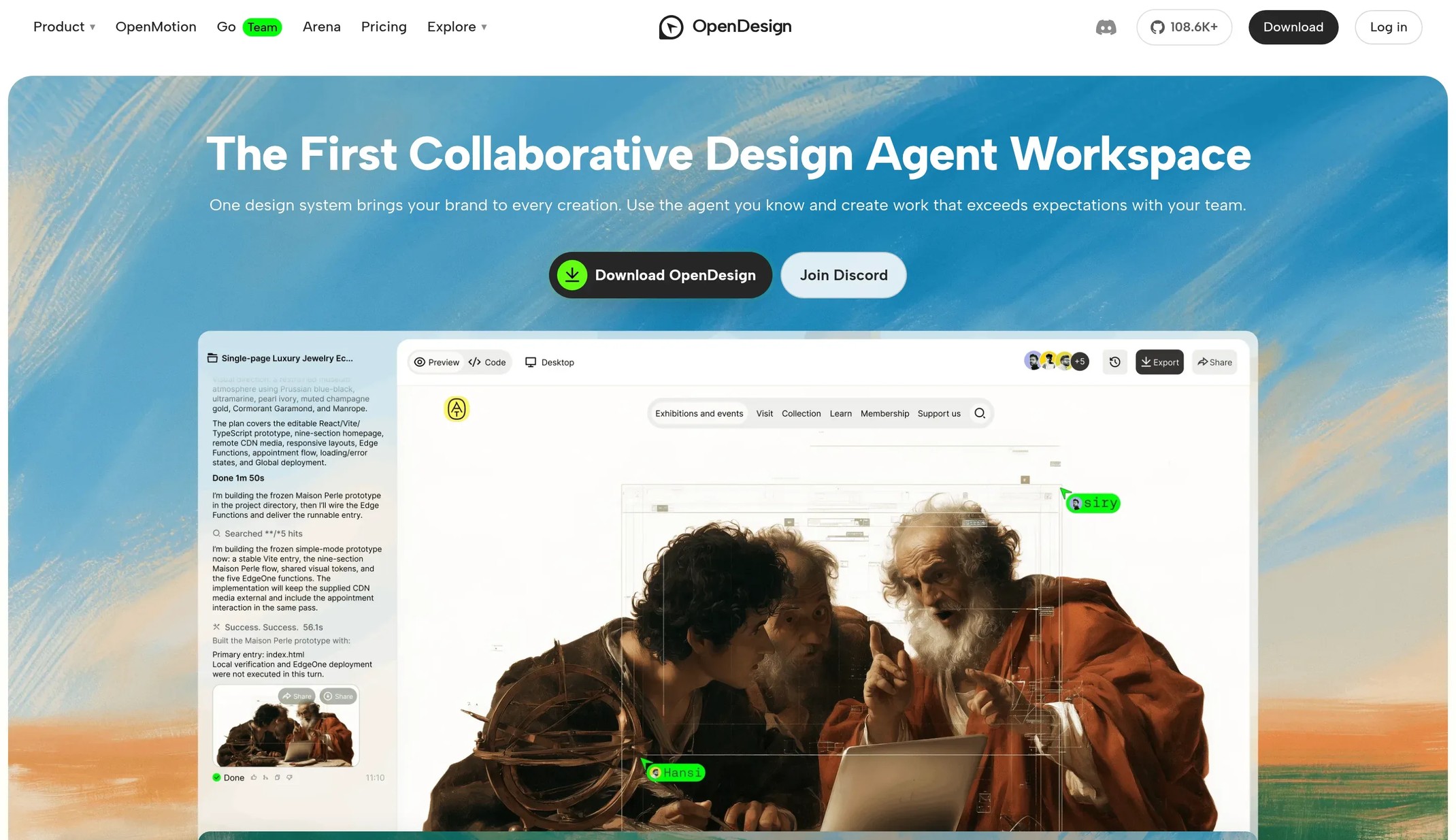
OpenDesign Home design analysis

A warm off-white canvas with a photographic hero, oversized bold display type and pill-shaped calls to action. Tone: warm, editorial and confident. Density 3/5, visual variance 3/5, motion 2/5. Built for a AI design soft...

Key Takeaways

  • A warm off-white canvas with a photographic hero, oversized bold display type and pill-shaped calls to action.
  • Tone: warm, editorial and confident. Density 3/5, visual variance 3/5, motion 2/5.
  • Built for a AI design software audience; keep the page readable before adding visual flourish.
  • Use FDFFF7 as the page background and 262626 for primary text.
  • Reserve 262626 for the main call to action and key emphasis.
  • Use FAFAFA and 494949 as supporting tones for secondary actions, labels and status accents.

Overview

  • A warm off-white canvas with a photographic hero, oversized bold display type and pill-shaped calls to action.
  • Tone: warm, editorial and confident. Density 3/5, visual variance 3/5, motion 2/5.
  • Built for a AI design software audience; keep the page readable before adding visual flourish.

Colors

  • Use FDFFF7 as the page background and 262626 for primary text.
  • Reserve 262626 for the main call to action and key emphasis.
  • Use FAFAFA and 494949 as supporting tones for secondary actions, labels and status accents.

Typography

  • Headlines use \"Albert Sans\ at 72px with weight 700; tighten tracking as the size grows.
  • Section headings drop to 16px; body copy stays at 16px with comfortable line height.
  • Labels and controls use the body family at 13px.

Layout

  • Lead with one dominant headline and a single primary action, then stack proof, product visuals and detail sections.
  • Keep generous vertical rhythm between sections so the page reads top to bottom.
Page screenshot

Keep references like OpenDesign on your Mac

With the Save to Refto extension, save a page, a screenshot of it or its pictures into Refto for Mac, and find them again by what they show. Free for 15 days.