





















What can I compare on this Design & UX Tools tools page?
Compare product scope, workflow fit, interface polish, pricing posture, and integration depth across curated Design & UX Tools tools.
Browse curated Design & UX Tools tools, software, and apps.
How To Use This Collection
Use this Design & UX Tools tools page to compare capabilities, positioning, polish, and workflow fit before you spend time testing products one by one.
What To Compare
Compare onboarding friction, core feature scope, integration depth, pricing signals, and whether each Design & UX Tools tool feels focused or overloaded.
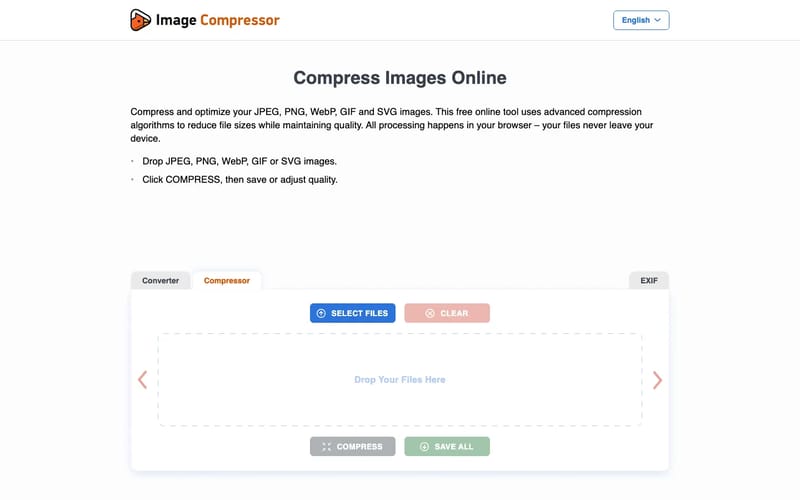
Compress JPEG, PNG, WebP, GIF and SVG images online with adjustable quality. All processing happens in your browser.
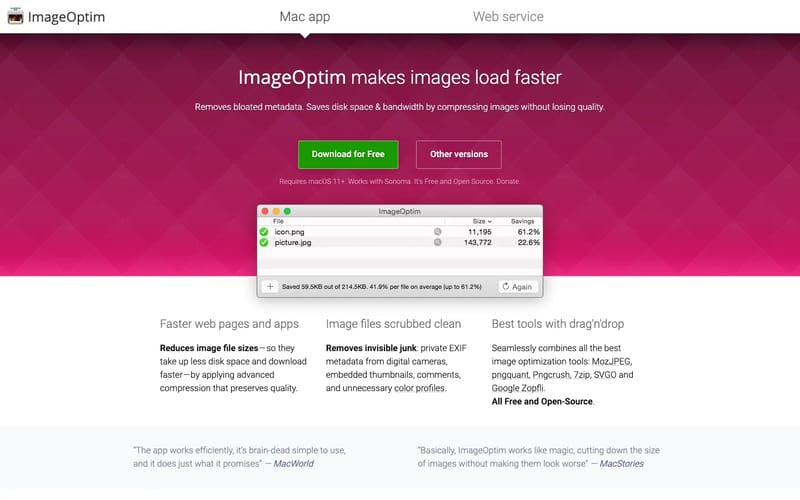
ImageOptim is a free Mac app that reduces image file sizes using advanced compression while preserving quality, removing unnecessary metadata, and combining multiple optimization tools. It's ideal for web developers, designers, and app creators who need smaller images without sacrificing visual quality, offering drag-and-drop simplicity and optional lossy compression for even greater file size reduction.

Foundry creates pioneering software for creative industries across Digital Design, Media and Entertainment.

InShot Video Editor: Empowering Creators with Advanced Video and Photo Editing. Unlock effortless editing with easy-to-use features and powerful AI tools, elevating your video and photo editing experience to new heights.
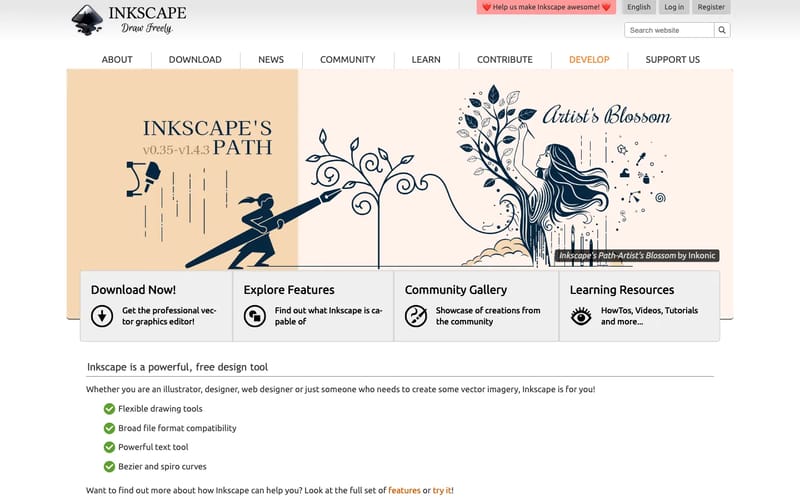
Inkscape is professional vector graphics software which runs on Linux, macOS and Windows desktop computers.
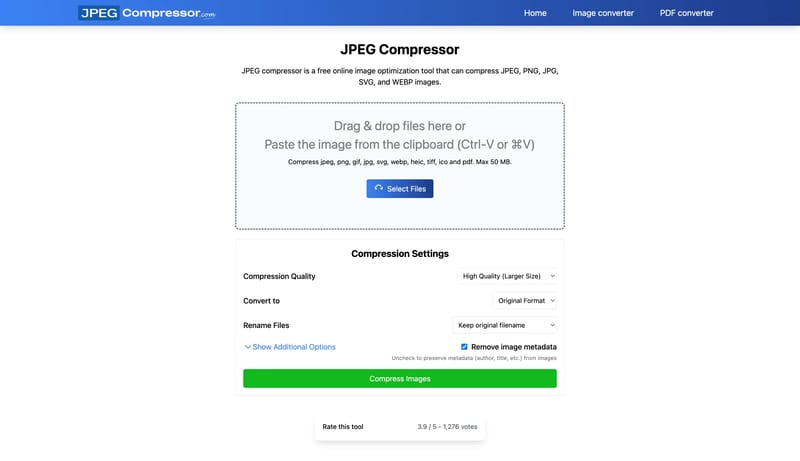
Jpeg compressor is a free online image optimization tool that can compress JPEG, PNG, JPG, GIFs, and SVG images without reducing their quality.
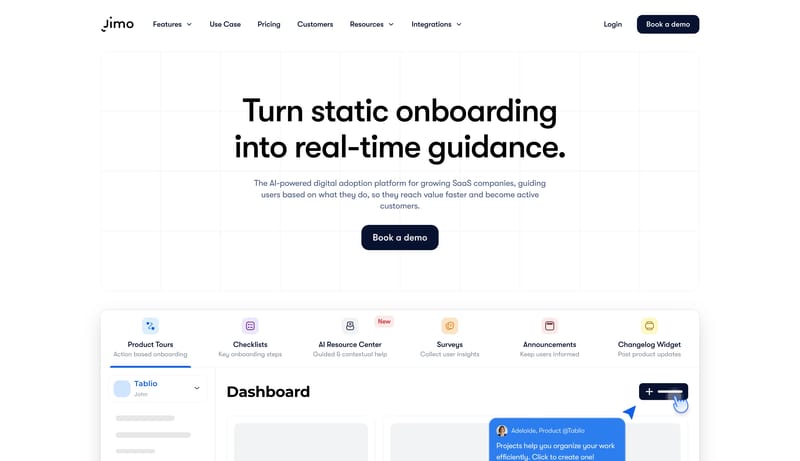
Jimo’s AI learns from user behavior to deliver personalized onboarding and in-context assistance that drives activation, adoption, and retention automatically.
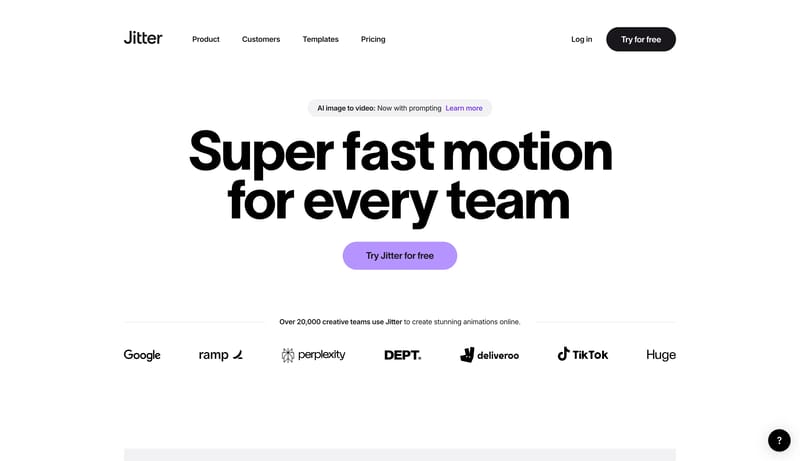
Jitter is a collaborative motion design tool that lets you create professional animations in minutes, no matter your experience with motion.
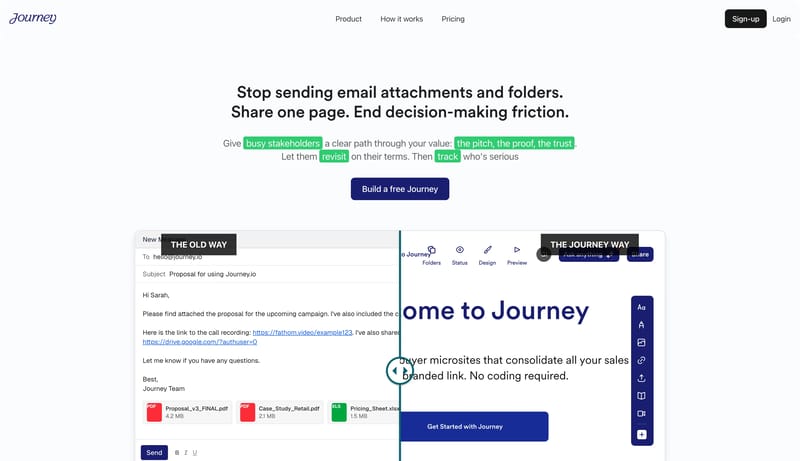
Package your pitch deck, case studies, and follow-up docs into one branded page your buyer can forward to decision-makers. Track engagement and close faster.
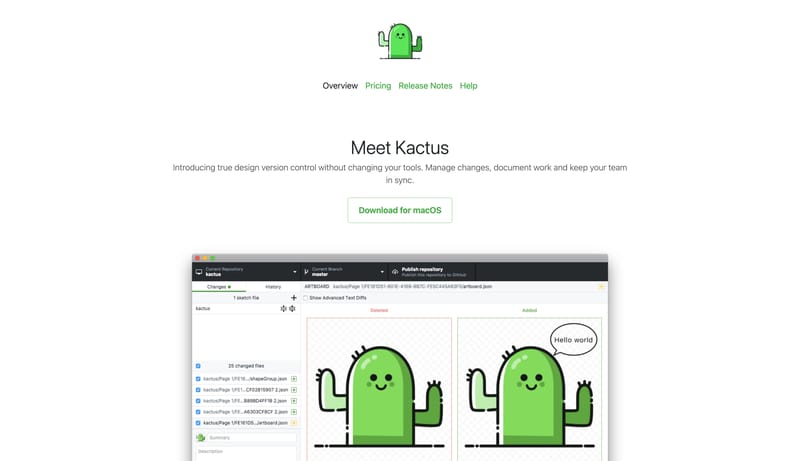
Introducing true design version control without changing your tools. Manage changes, document work and keep your team in sync.
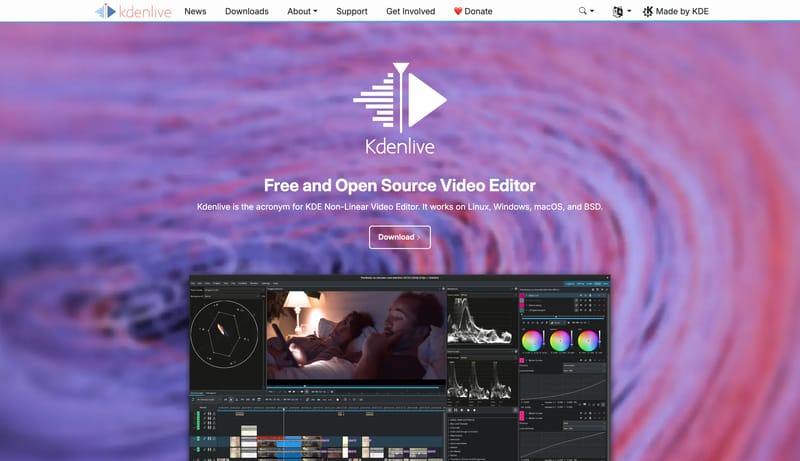
Kdenlive is the acronym for KDE Non-Linear Video Editor. It works on Linux, Windows, macOS, and BSD.
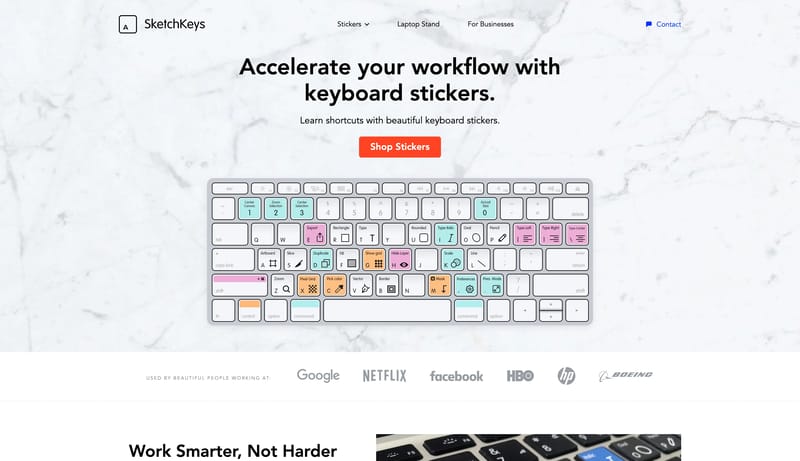
Keyboard stickers with shortcuts for Figma, Notion, Sketch, and Photoshop. Accelerate your design and development workflow by learning hotkeys and improve your workspace ergonomics.
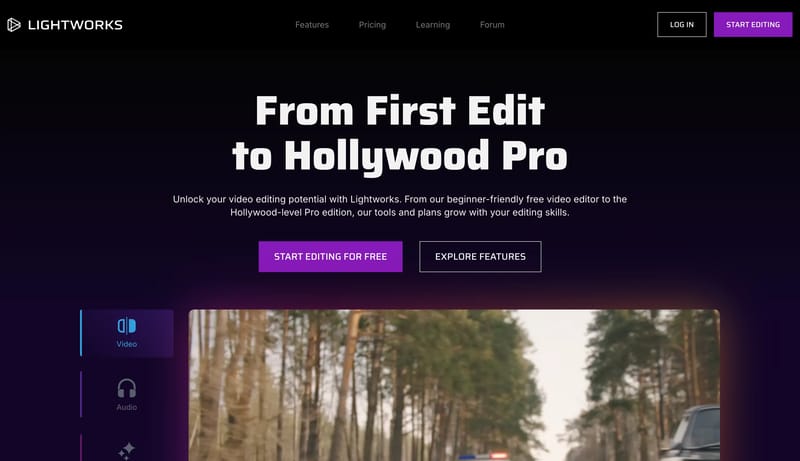
Lightworks unlocks your potential as a video editor. A unique video editing journey crafted for all levels, from your first edit to Hollywood legend!
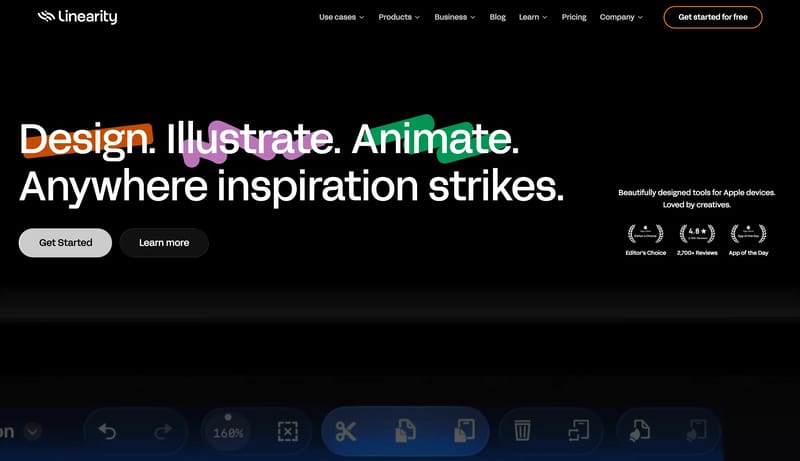
Design & animation apps for Apple devices. Made for illustrators, designers and creative professionals. Design with precision, create with ease. Get started for free!
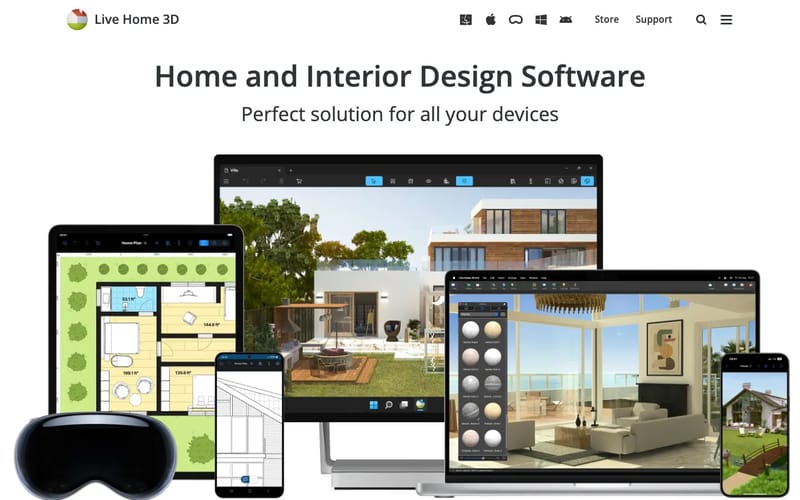
Live Home 3D is powerful and easy to use home and interior design software for iPhone, iPad, Vision, Windows, Mac and Android devices. Try out the free version!
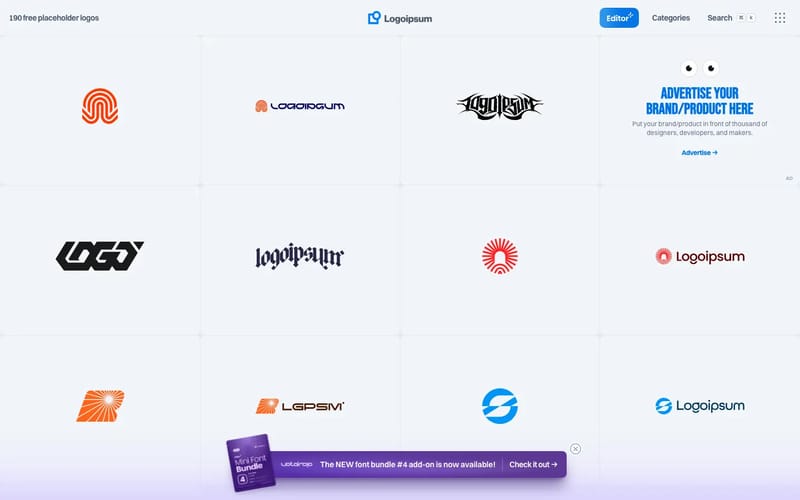
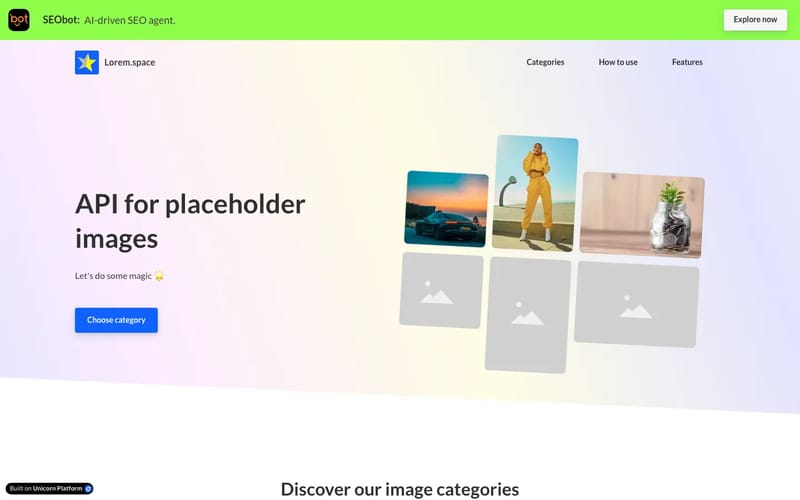
Logoipsum offers free, SVG placeholder logos in a variety of styles for use in design projects and mockups. Easily copy or download logos for your design.
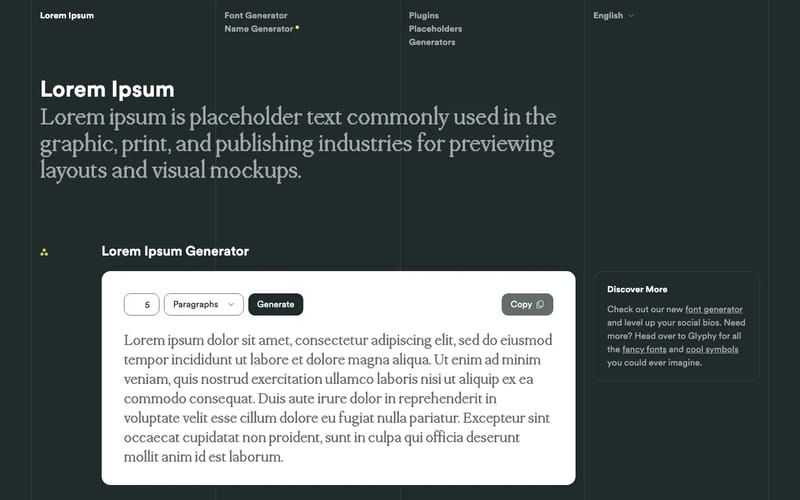
Generate Lorem Ipsum placeholder text for use in your graphic, print and web layouts, and discover plugins for your favorite writing, design and blogging tools. Explore the origins, history and meaning of the famous passage, and learn how Lorem Ipsum went from scrambled Latin passage to ubiqitous dummy text.
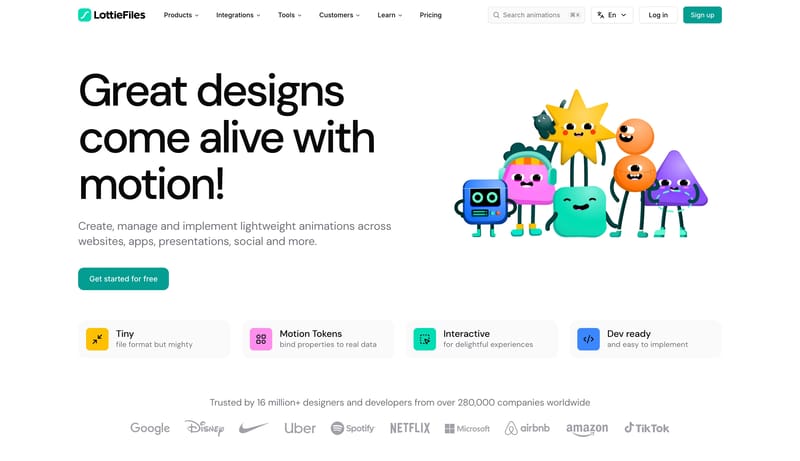
LottieFiles is a platform for designers to create, share, and use animations in their projects, offering a library of Lottie animations that can be easily integrated into websites, apps, and other digital experiences.
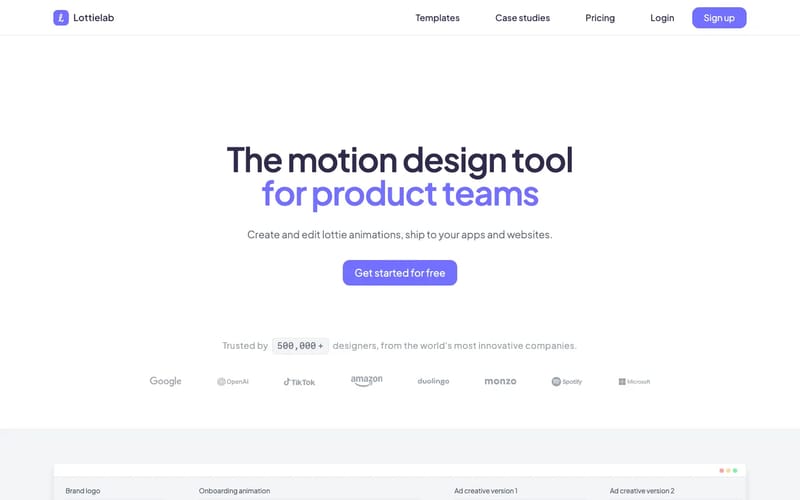
Create and ship animations to your products faster. Bring your websites and apps to life with the simplest editor for Lottie animations.
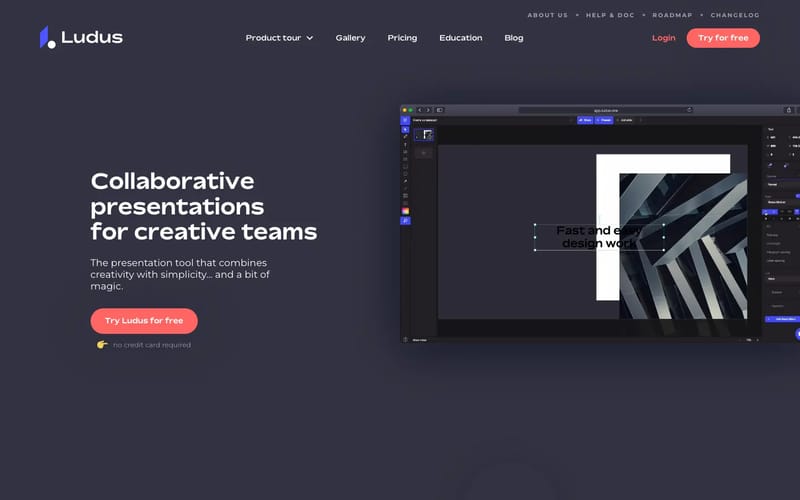
Ludus is an advanced presentation tool for creative professionals. It's like Sketch and Keynote had a baby in the cloud.
Use these internal hubs to connect design & ux tools software research with broader tool discovery, structured design references, and adjacent inspiration pages.
Hub
Return to the broader tool tag hub if you want to branch into adjacent software workflows and capabilities.
Related Hub
Study structured design-system references when you want implementation context alongside these software workflows.
Related Hub
Browse design-topic pages if you want visual inspiration that complements this tooling workflow.
Directory
Jump back to the broader tools directory when you need a wider product scan beyond this focused software tag.
Workflow Collection
References and tools for docs-heavy products, developer tooling, terminals, dashboards, SDK workflows, and technical product surfaces.
Workflow Collection
References for Figma AI, Figma Make, MCP-assisted design workflows, and editable UI generation.
Workflow Collection
Landing page references and related tools for launches, product storytelling, hero sections, and conversion-focused marketing.
Refto for Mac
Save pages, images and videos from the browser into one library, and find them again by what they show. Free for 15 days.
Compare product scope, workflow fit, interface polish, pricing posture, and integration depth across curated Design & UX Tools tools.
This collection currently includes 289 curated Design & UX Tools tools so you can review the landscape faster without starting from a generic software search.