Press kit
Logos, icons, screenshots and words for writing about Refto. Download everything at once, a group, or one file, and copy the text you need.
About Refto for Mac
The words to use for Refto for Mac. Each has a Copy button.
Name
Refto for Mac
Tagline
Collect anything on your Mac. Find it by what’s in it.
Short description
Refto is a Mac app for the references you collect: images, videos, audio, PDFs, documents and web pages in one library on your Mac, found again by what they show and say.
Long description
Refto is a Mac app for the references you collect. Images, videos, audio, PDFs, documents and web pages go into one library on your Mac, and Refto finds them again by what they show and say: the text in a picture, the words in a recording, what a search means, and pictures that look alike. Its AI runs on the Mac, so nothing is uploaded and there is no account. Save from the browser with the Save to Refto extension, screenshot a region with ⌥⇧A, or drop files on the notch; then drag what you found into any app, copy it, or give an AI agent a link to it. Built-in tools compress, convert and resize images, remove backgrounds and compress videos. Refto needs macOS 15 or later on a Mac with Apple silicon.
Price
Free for 15 days on each Mac, with every feature and no account; then a one-time purchase, updates included: $12.99 for 2 Macs or $16.99 for 3 Macs (launch price until Refto 1.0; regular $18.99 / $24.99).
System requirements
macOS 15 or later, on a Mac with Apple silicon (M1 or later). The basic AI pack (about 1.3 GB) downloads once after you install.
Download Refto for Mac · prices on the pricing page · what changed in the changelog
Screenshots
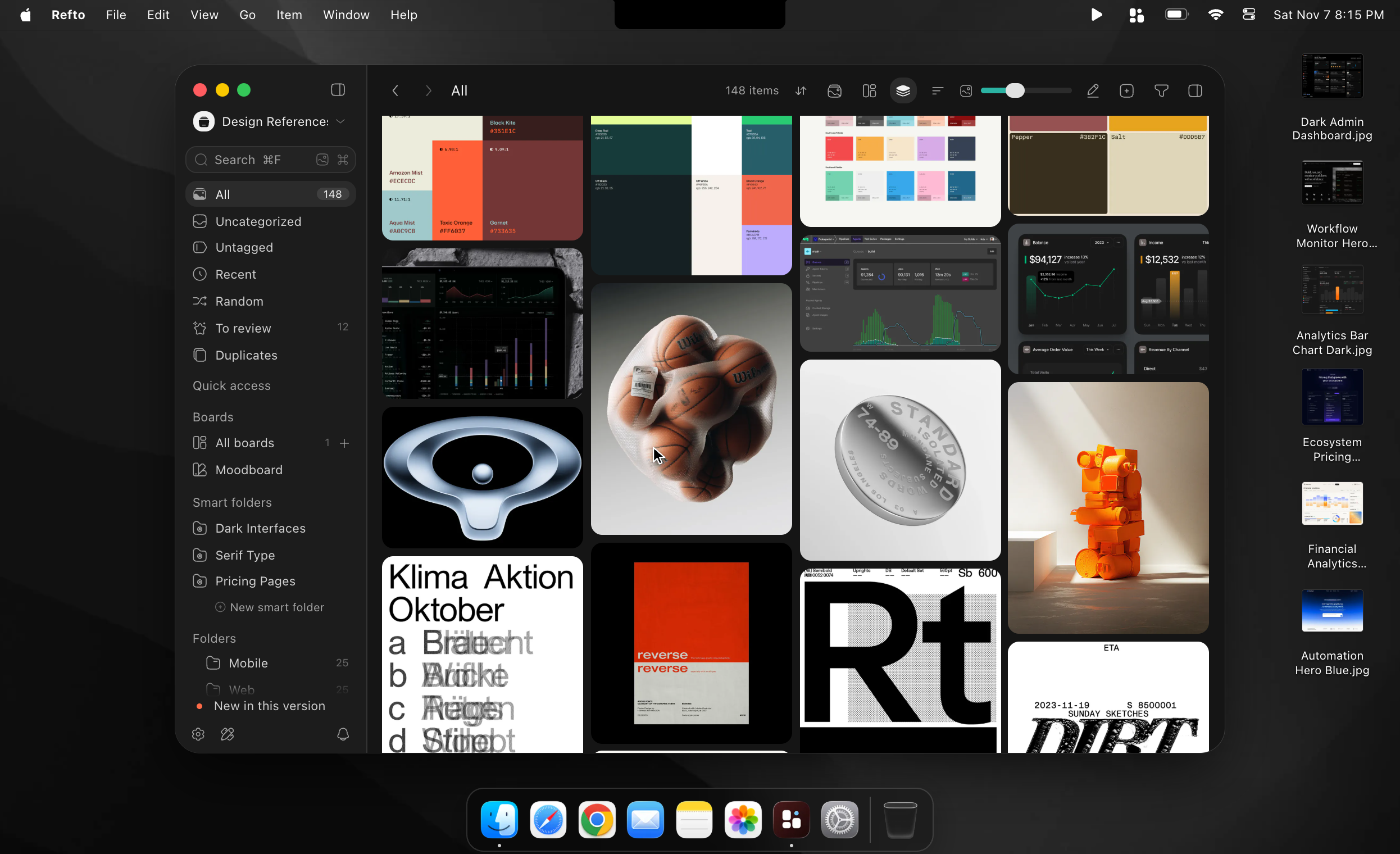
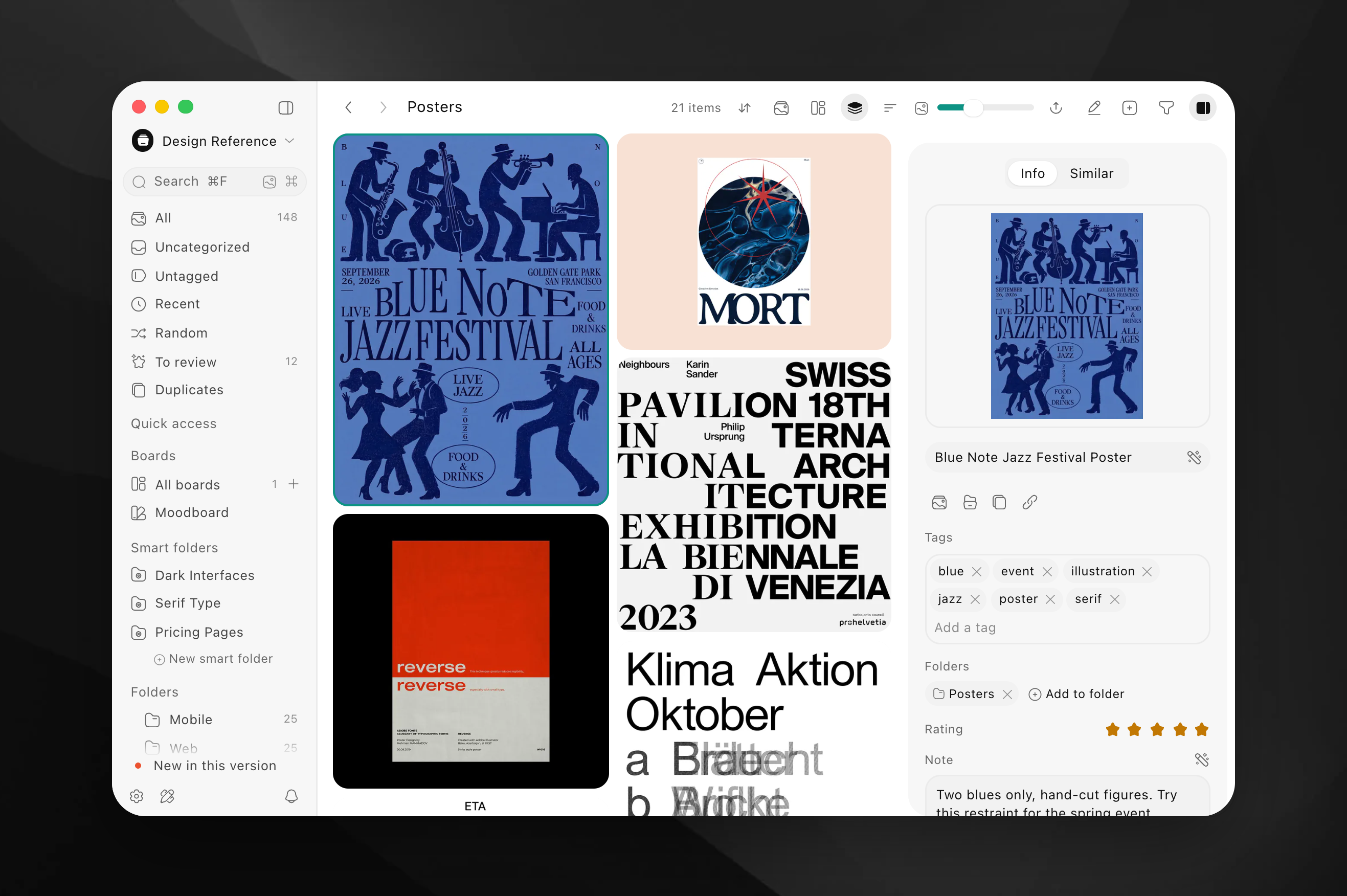
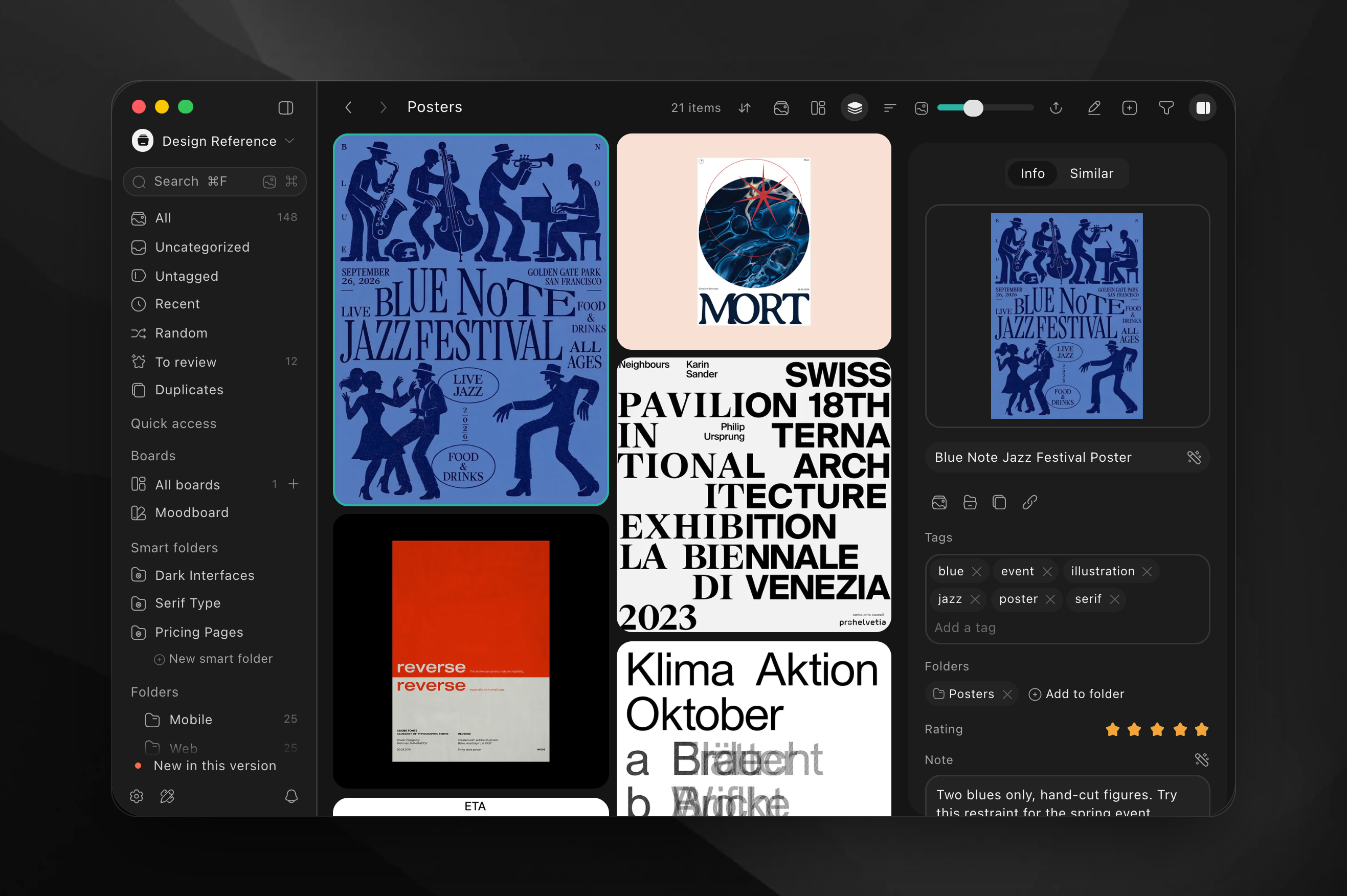
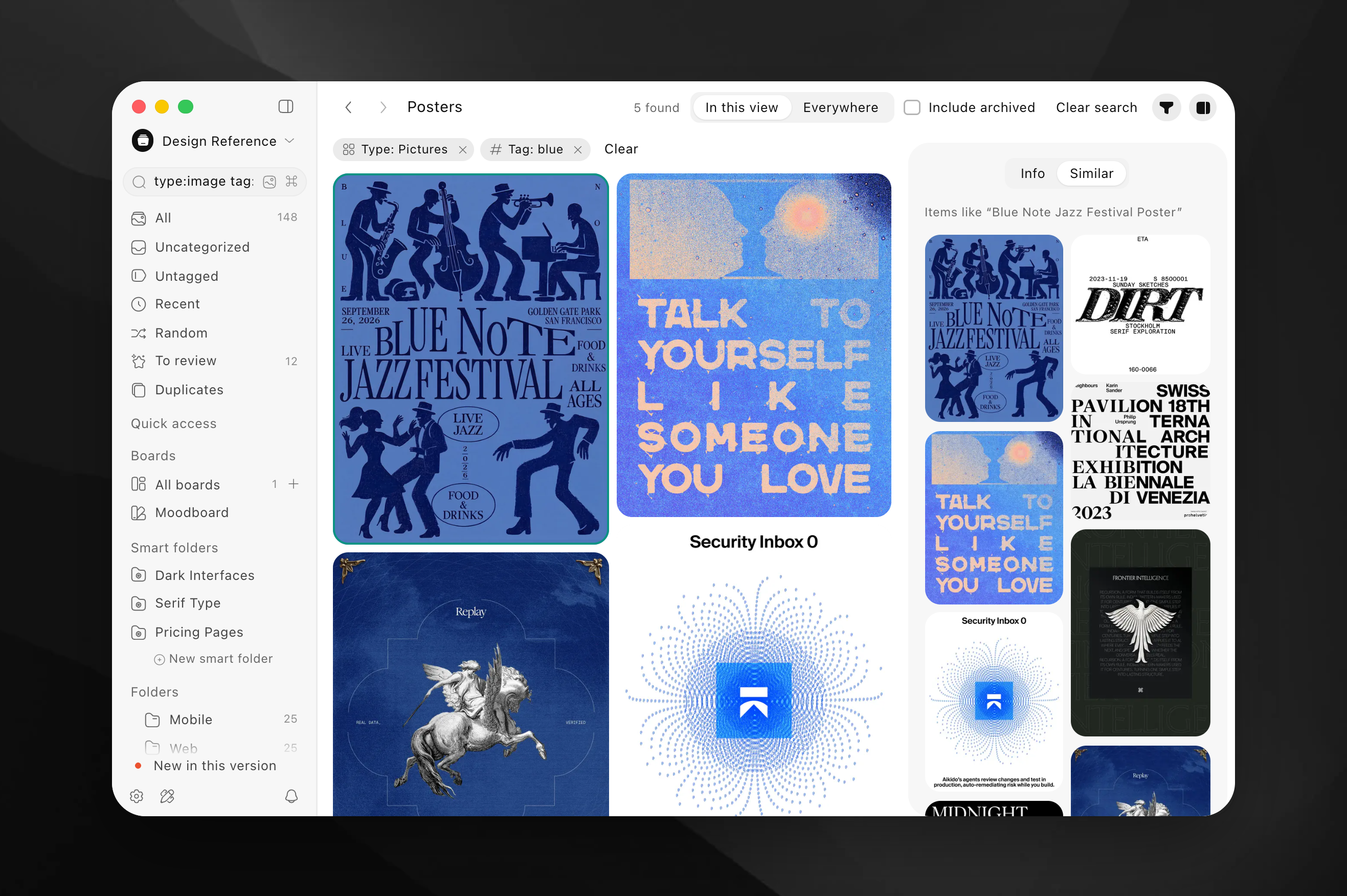
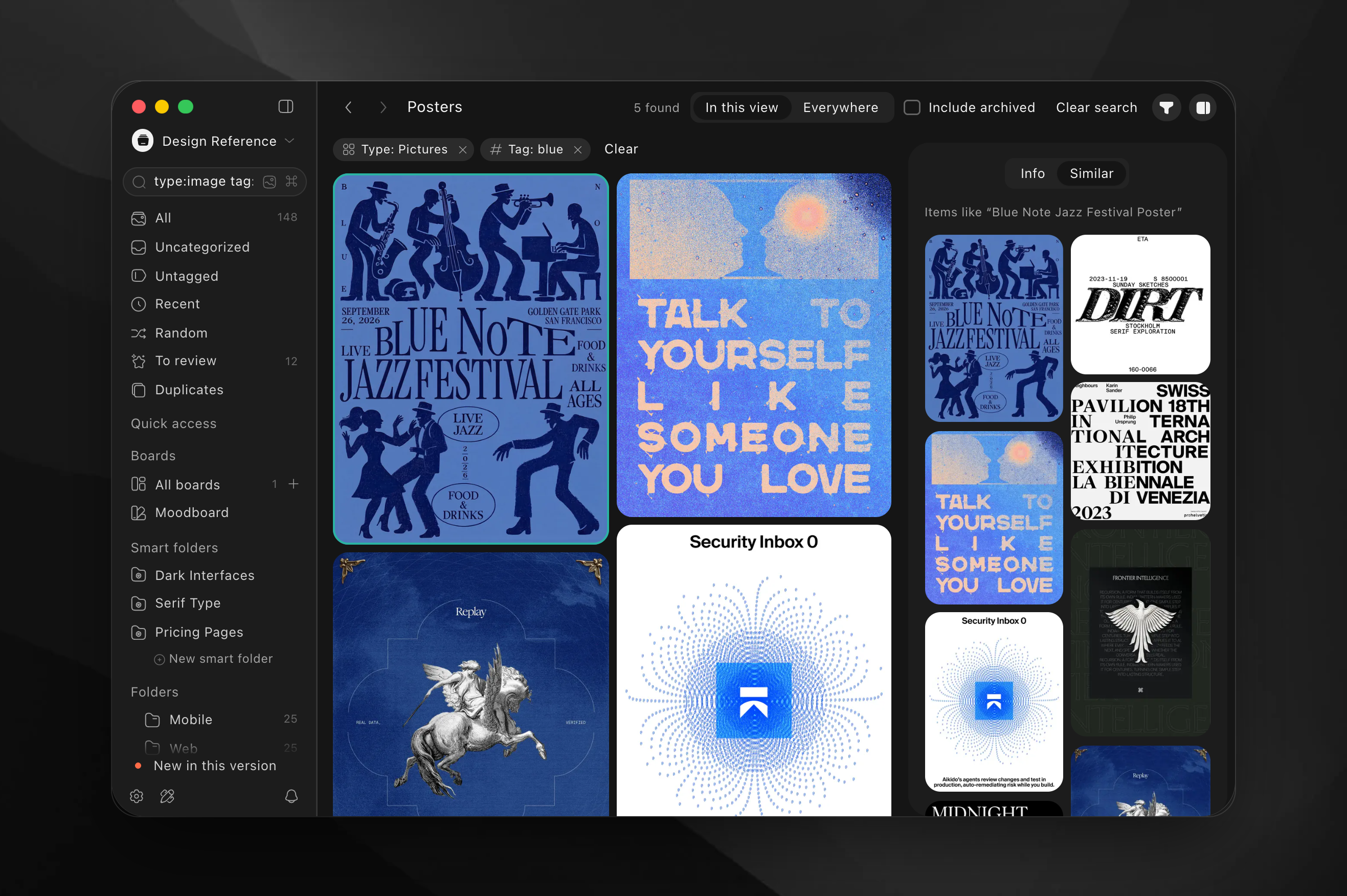
Refto for Mac in the light and the dark theme, as PNG at two to three times screen size. The preview follows this page’s theme.
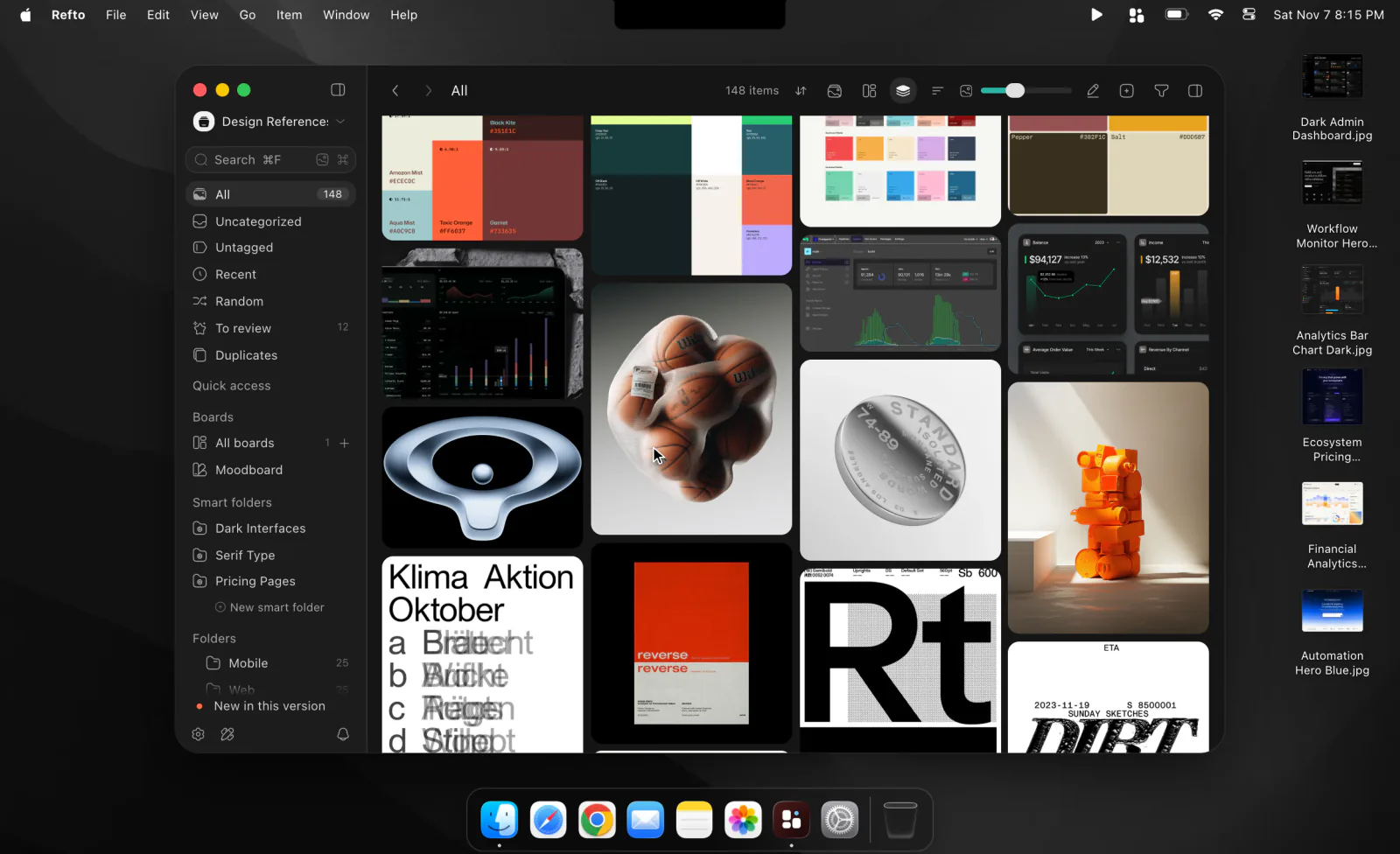
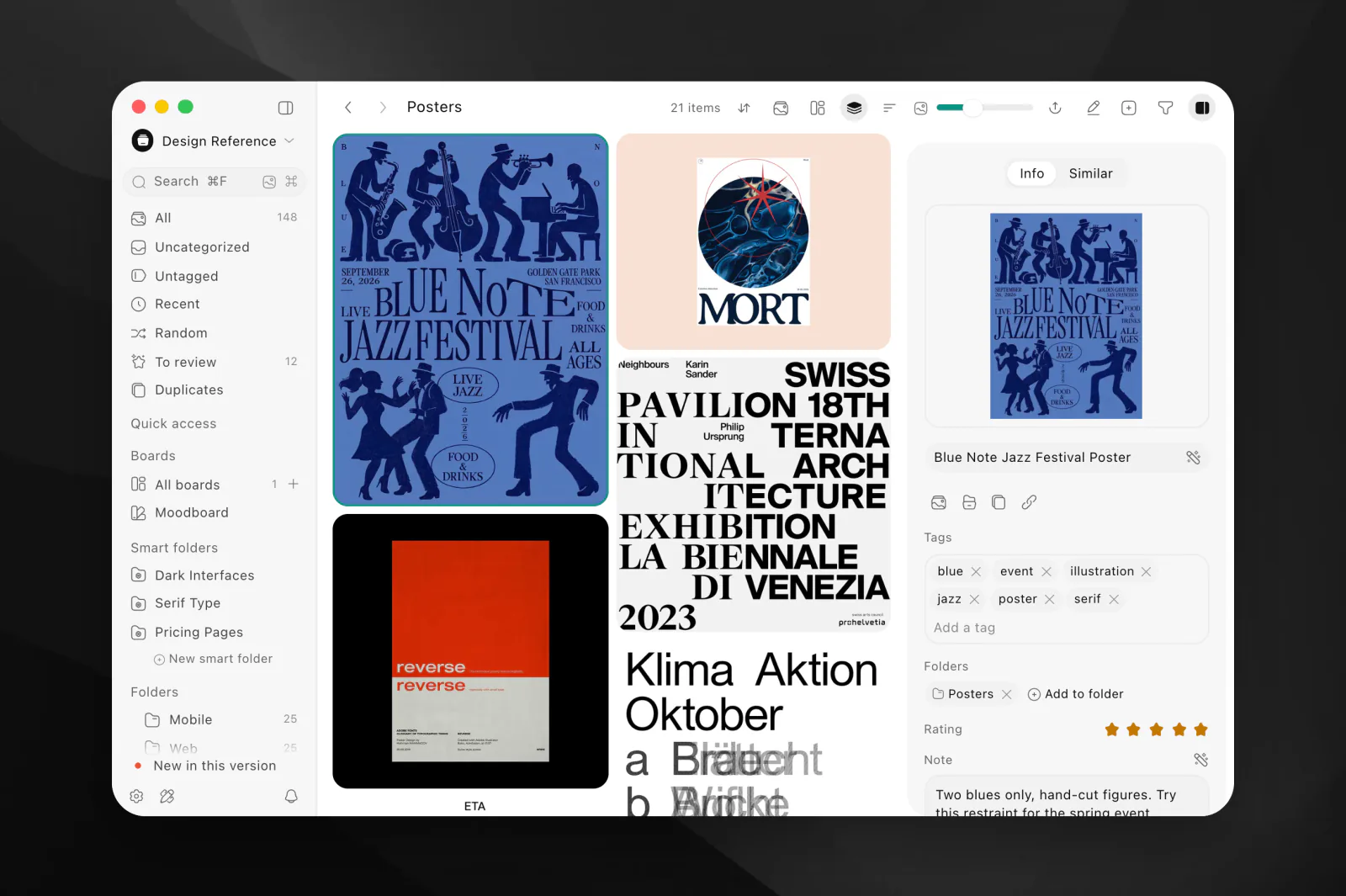
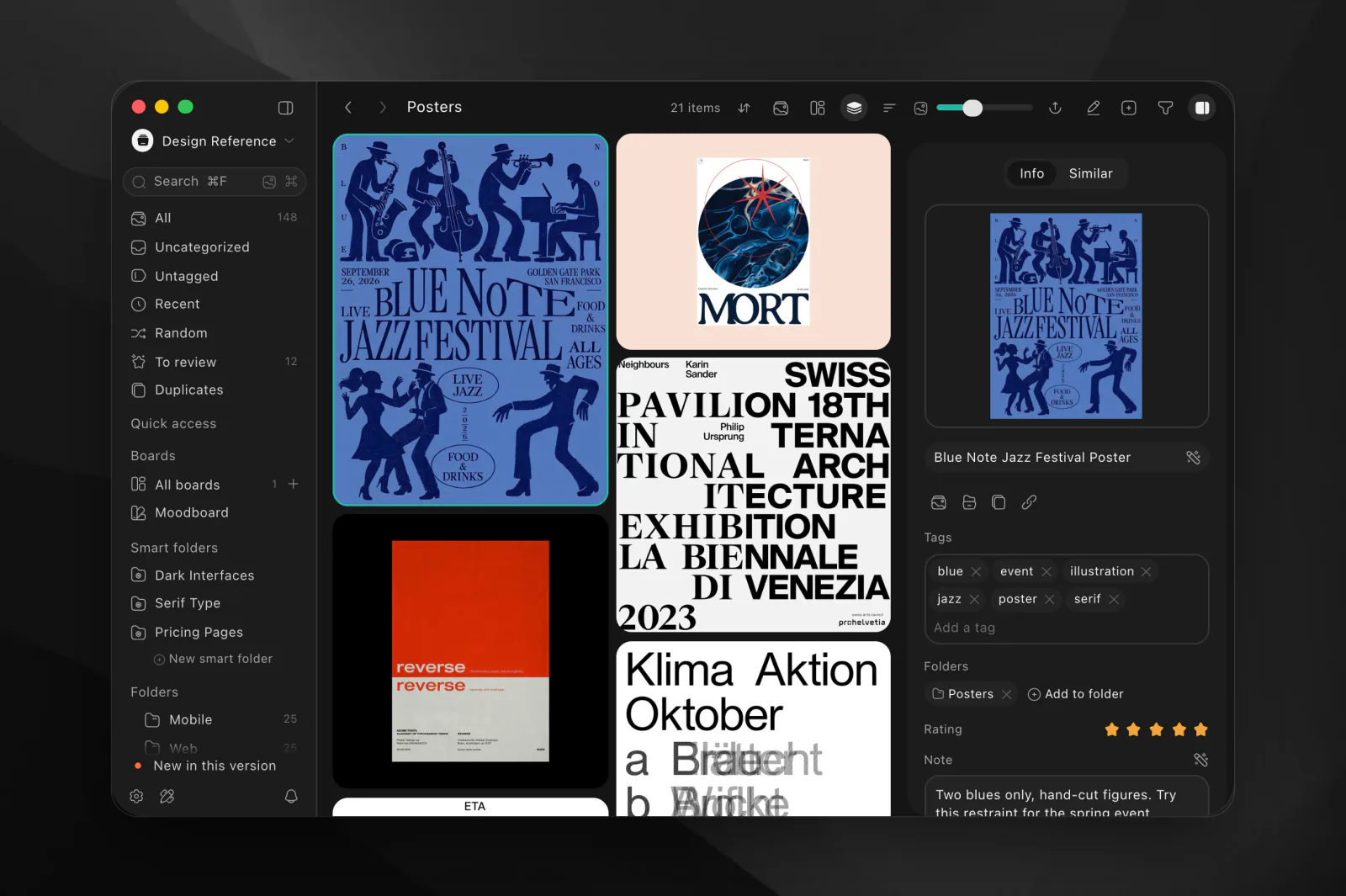
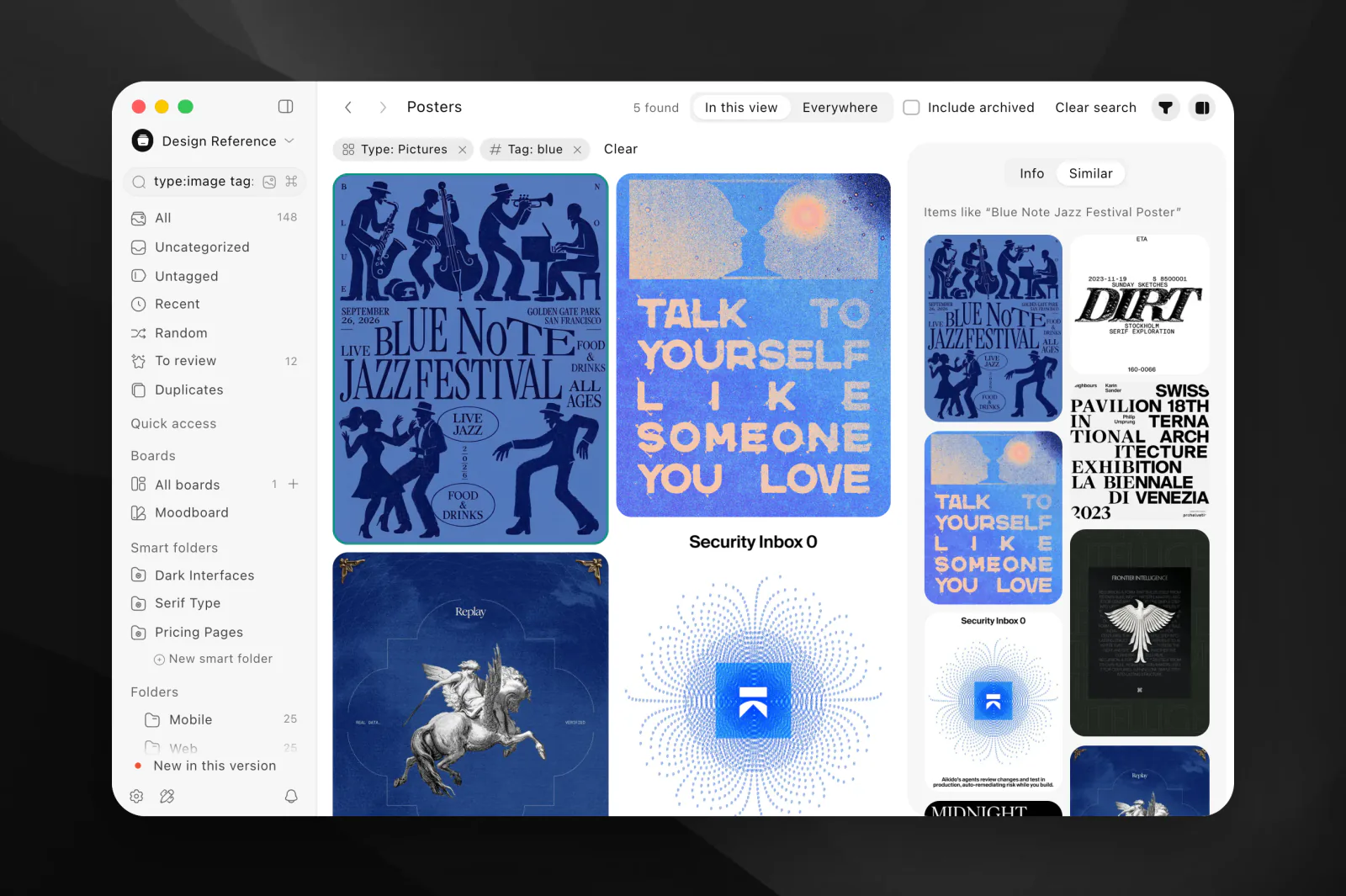
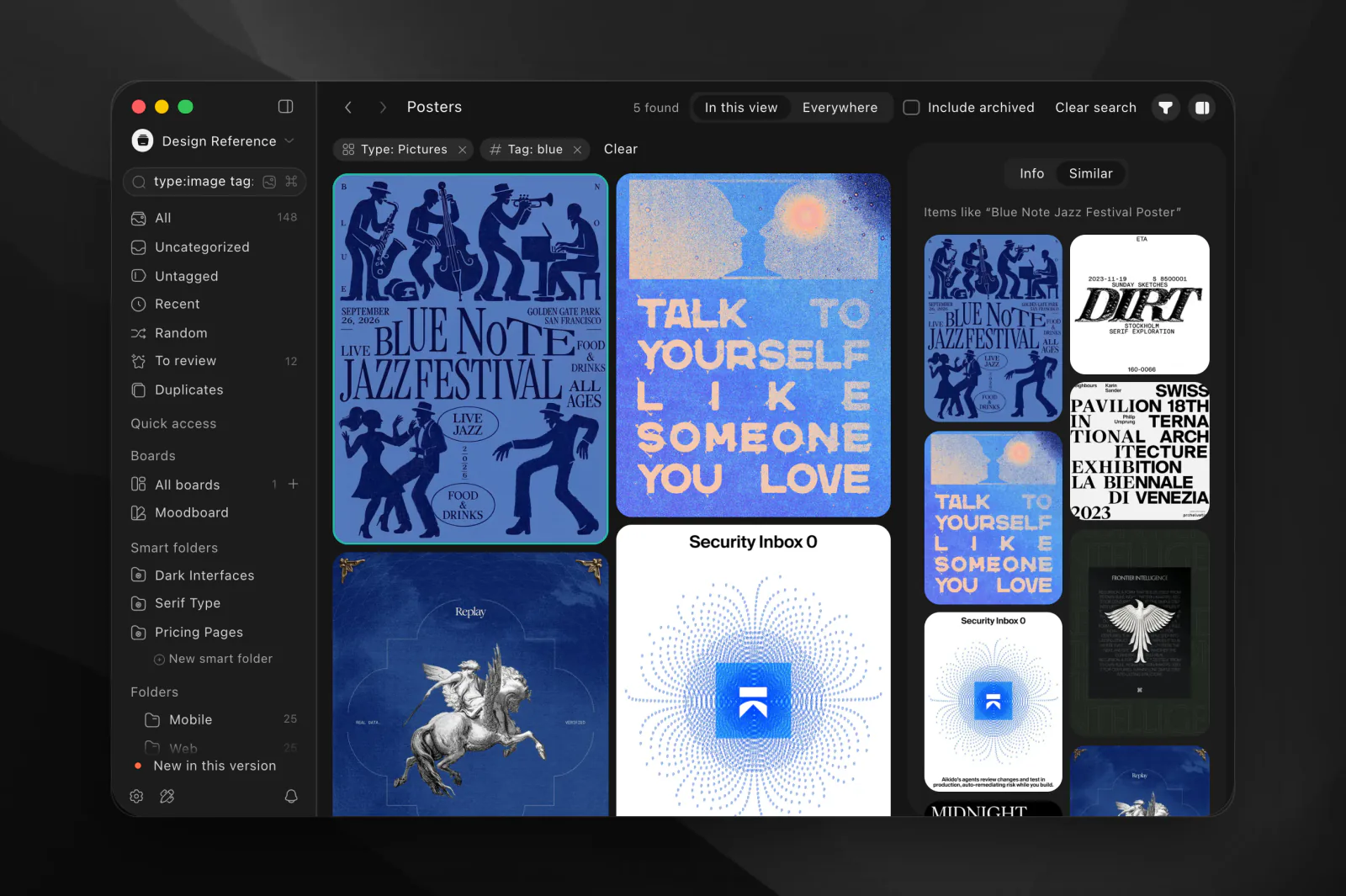
The Mac screenshots are of the Refto drawn on refto.one, as the app looks, with a demo library of design references collected from public galleries (Collect UI, Recent Design, Savee); the works in them belong to their creators, so crop to the interface or check with them before reusing a work on its own. The extension’s are of version 0.8.3 on a demo page.
Logos
The black logo for light backgrounds, the white one for dark backgrounds. SVG, and PNG at 400 pixels high (the marks 1024 pixels square).






App icons
Refto for Mac’s icon as macOS shows it, with its shadow and the room around it, on a transparent background.


Colours
Copy a colour’s HEX value with its button.
Refto black
#141414
The logo mark
White
#FFFFFF
The logo on dark backgrounds
Icon maroon
#4A1A1A
The app icon, top left
Icon deep maroon
#1A0707
The app icon, bottom right
Icon blue
#6AB8FF
The app icon’s dot
App teal
#0D9384
Refto’s default accent (light)
Type and use
Type
refto.one sets its text in Google Sans Flex, under the SIL Open Font License 1.1, free from Google Fonts.
Refto for Mac uses the Mac’s system font. The wordmark is drawn as outlines: use the files rather than typing the name in a font. The kit has no font files.
Using the logo and the icon
- Use the files as they are: don’t redraw, recolour, stretch, rotate or add effects to the logo or the icon.
- Use the black logo on light backgrounds and the white one on dark backgrounds, with room around it.
- Write the name Refto with a capital R, and Refto for Mac for the app.
- Use the app icon to point to Refto for Mac, for example beside a review or a download link.
- Don’t use the logo or the icon in a way that suggests Refto made, sponsors or endorses your product.
Save to Refto (browser extension)
Description
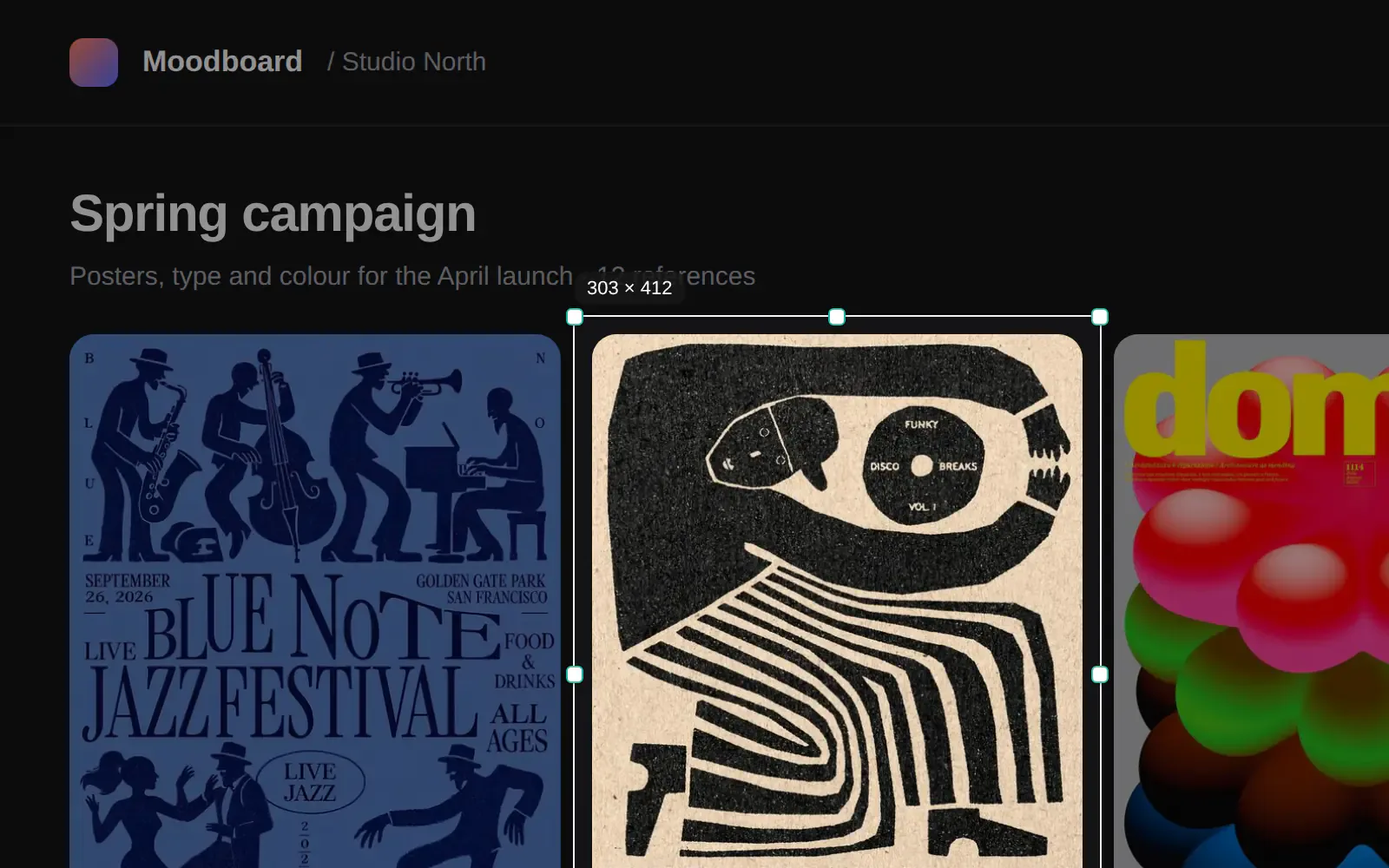
Save to Refto is Refto’s browser extension for Chrome, Edge, Arc, Brave and Safari. It saves pictures, videos, posts and whole pages to Refto on the same Mac, from a button, the right-click menu, a drag or a region screenshot, and sends nothing until you save.
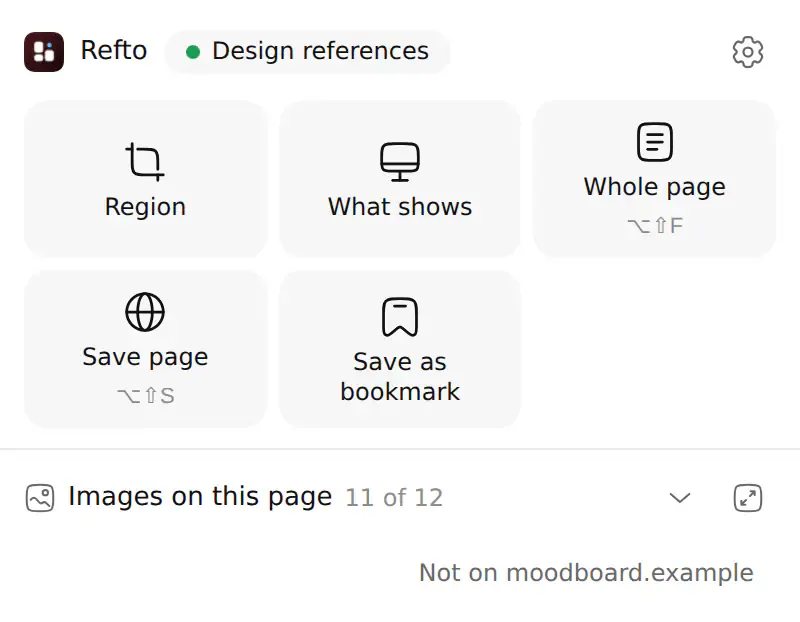
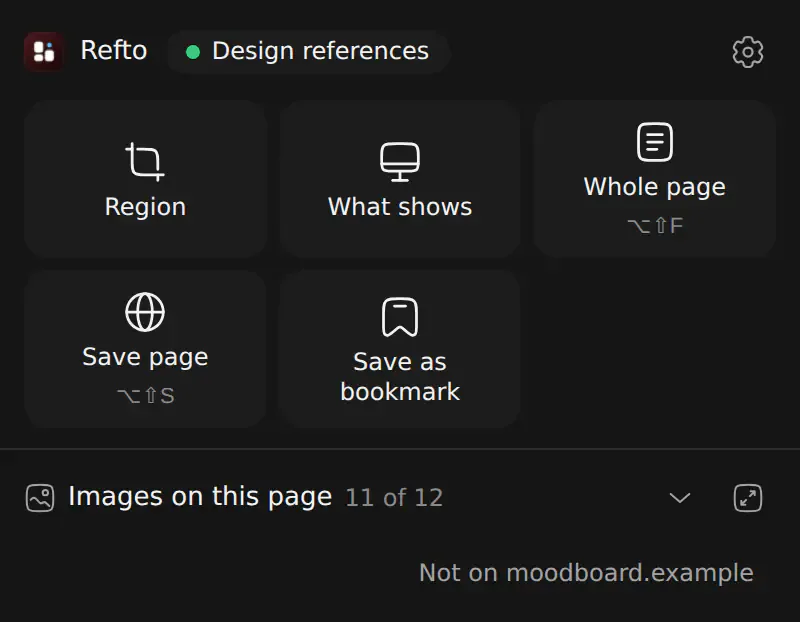
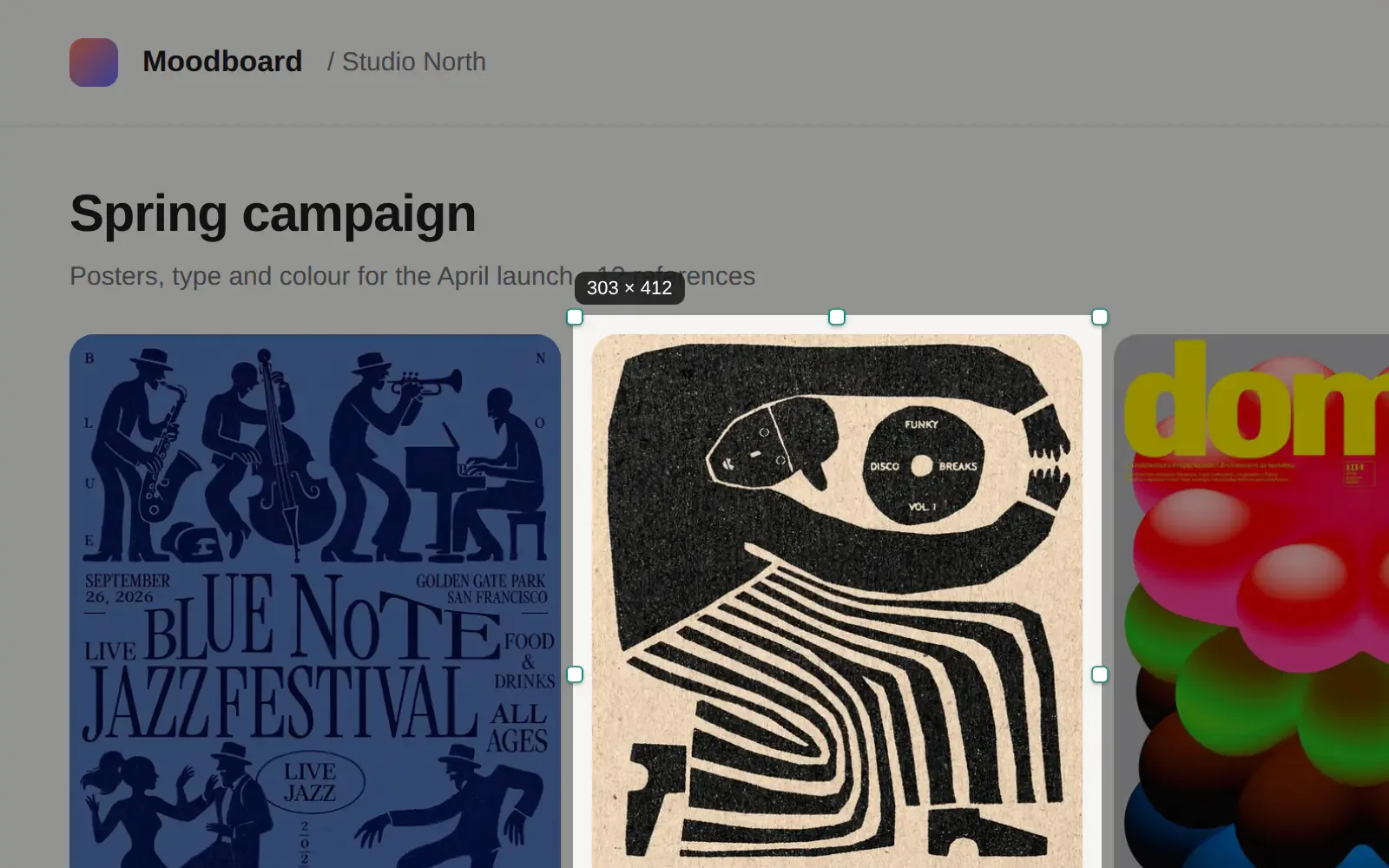








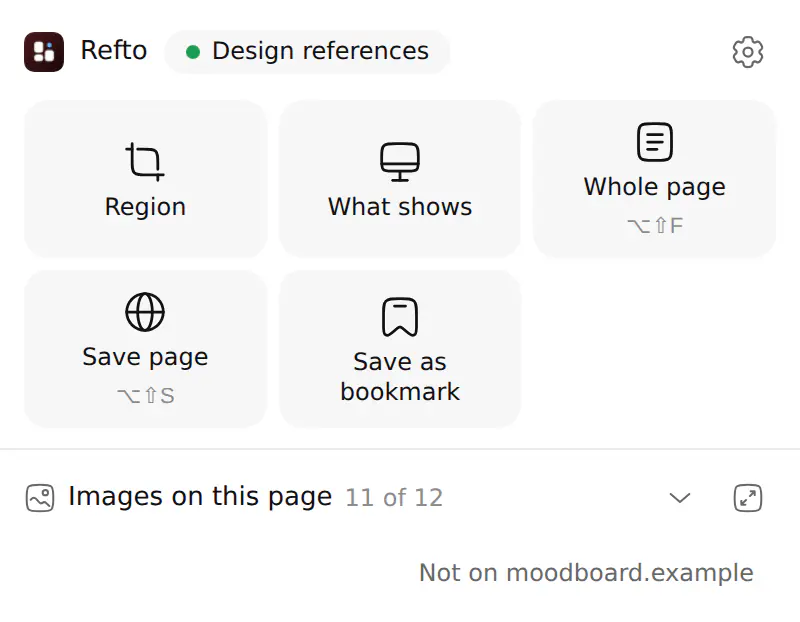
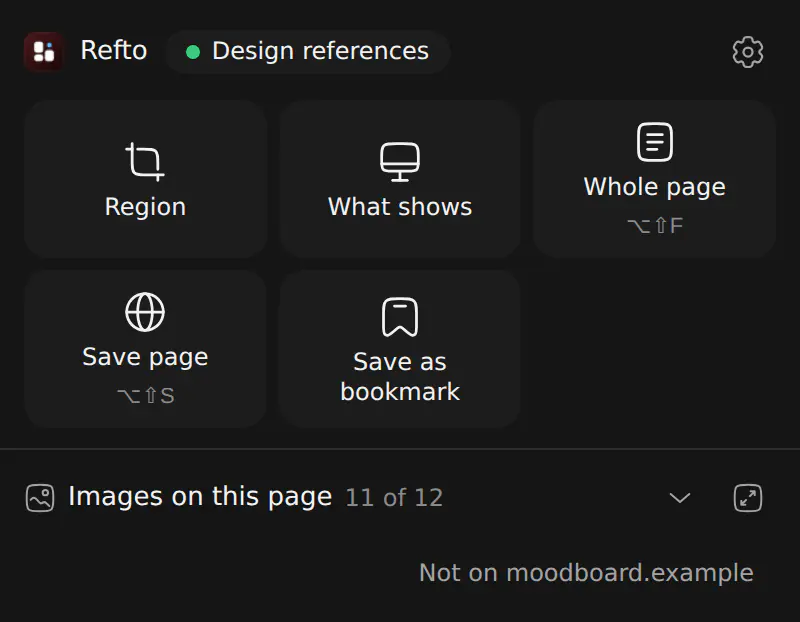
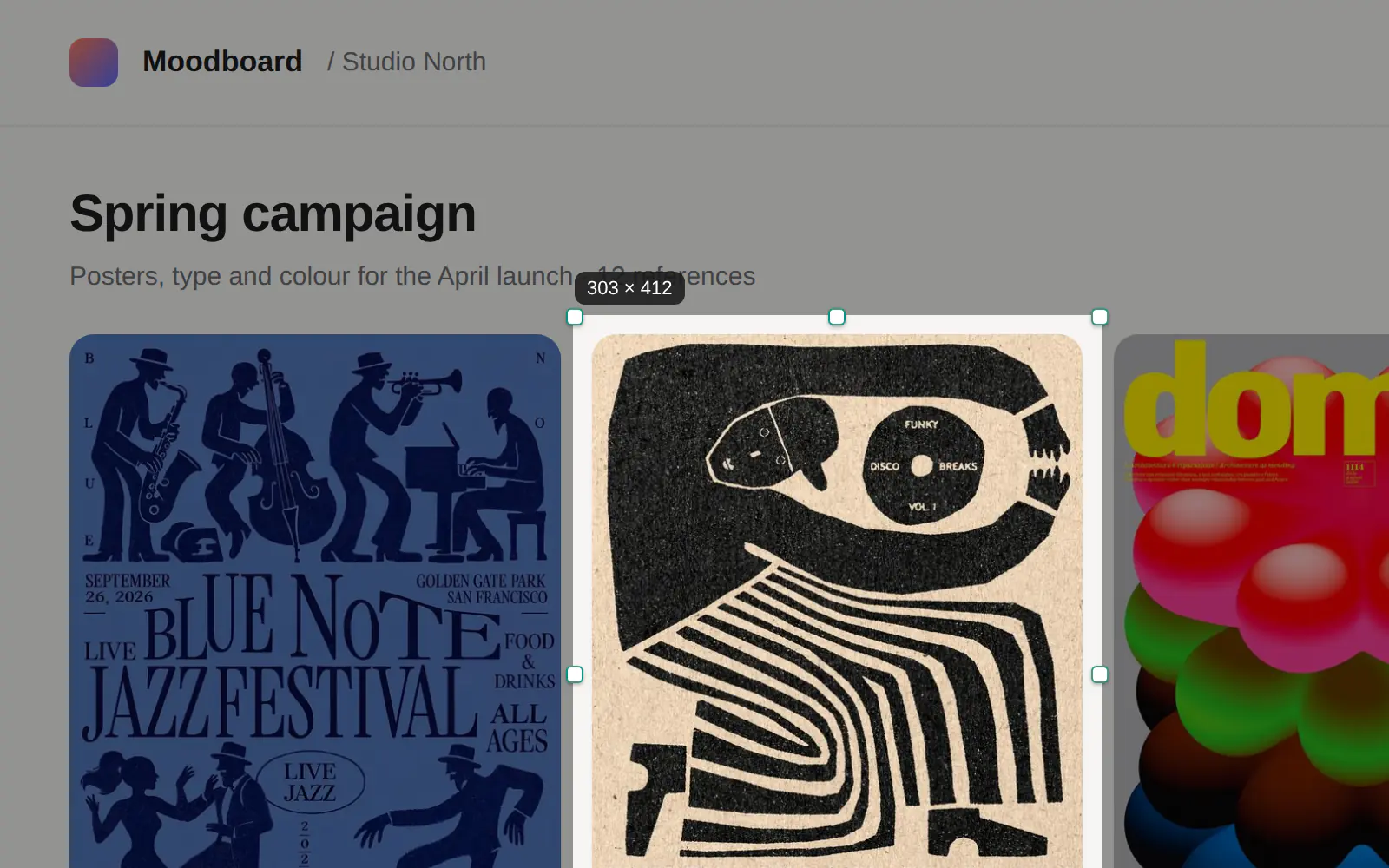
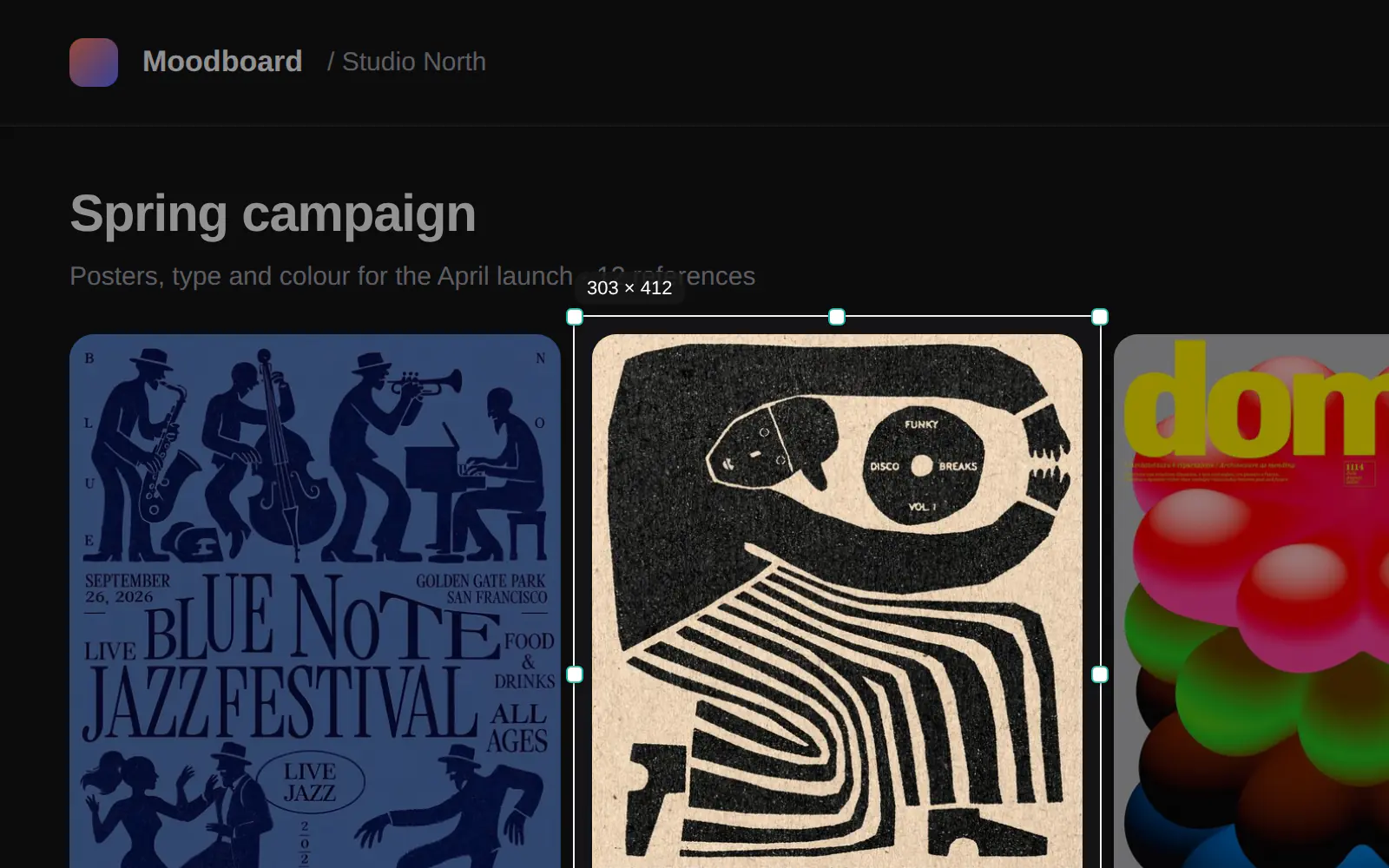
Install it from the extension page.
Explore
Explore
Explore (refto.one/explore) is Refto’s curated gallery of website design references: screenshots of real websites with their version history, sorted by category, style and section.
Company
Refto is made by ActionNow, LLC.
Boilerplate
Refto is made by ActionNow, LLC. Refto for Mac keeps the references people collect, from images and videos to PDFs and web pages, in one library on the Mac and finds them again by what they show and say, with AI that runs on the Mac. Refto also publishes Explore, a curated website inspiration gallery. Learn more at refto.one.
Contact
Press and partnerships: hi@refto.one
Links
- Reftohttps://refto.one/
- Download Refto for Machttps://refto.one/app/download
- Pricinghttps://refto.one/app/pricing
- Browser extensionhttps://refto.one/app/extension
- Changeloghttps://refto.one/app/changelog
- Explorehttps://refto.one/explore
- This press kithttps://refto.one/press
- ActionNow (the maker)https://actnow.dev/